Work from more places
Give authorised users a dependable way to submit and release work from supported offices and remote locations.
Independent workplace technology specialists

Multi-site print management
Give users a consistent and secure way to print across offices while IT gains clearer control of devices, policies, drivers and reporting.
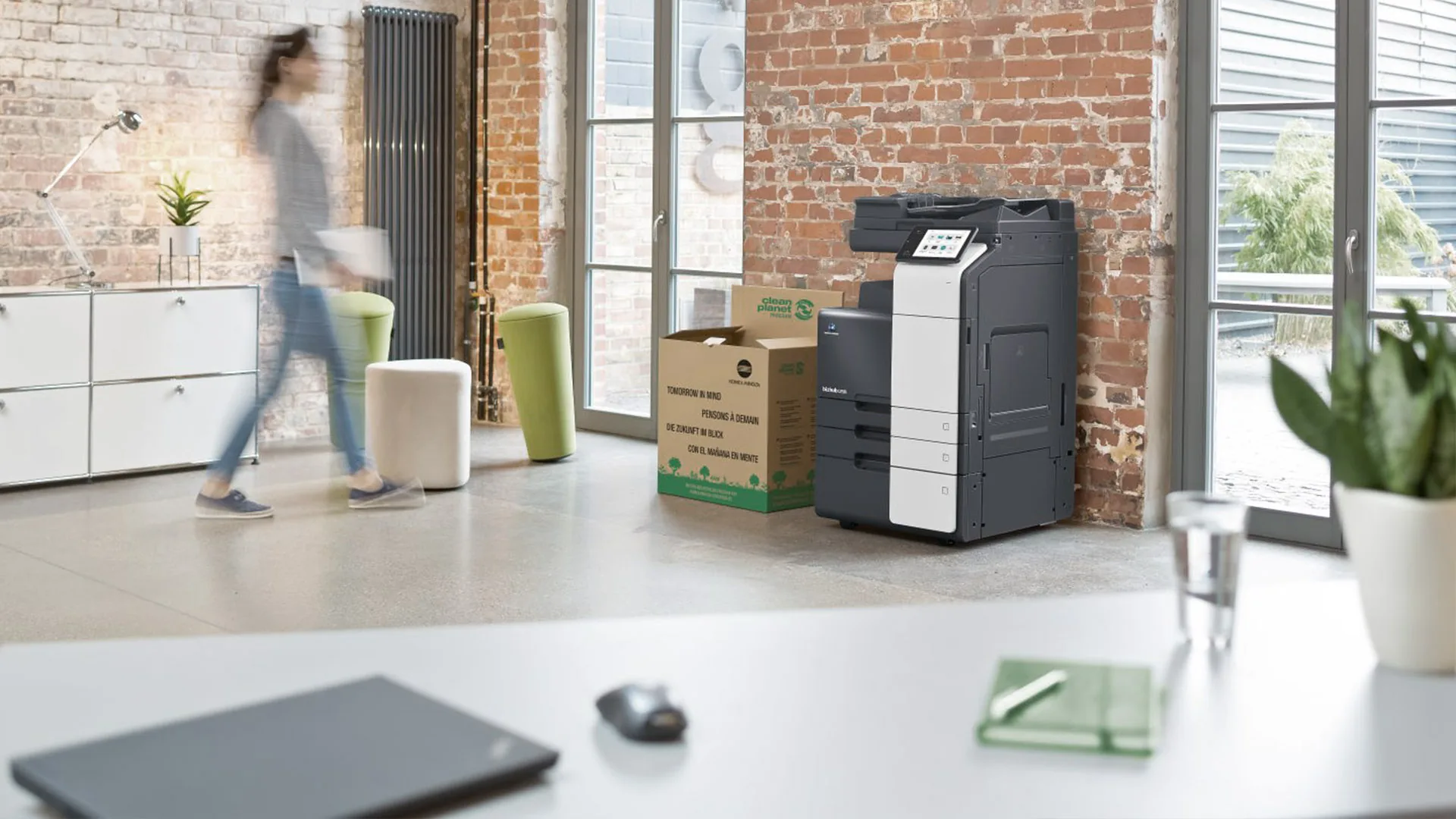
Reduce variation between offices
When each office has grown its own mix of devices, drivers and local workarounds, simple printing can become a disproportionate support burden. Users meet different queues and settings while IT has limited visibility of what is installed or how it is being used.
HAD-COPY reviews the estate, users, networks and security requirements before shaping a common route. That may combine cloud print management, secure release, consistent device configuration, reporting and a coordinated service arrangement across every relevant location.
A joined-up print environment
The right design removes avoidable local variation without forcing every team into an unsuitable workflow.
Give authorised users a dependable way to submit and release work from supported offices and remote locations.
Use identity, secure release and policy to reduce output being left unattended or collected by the wrong person.
Reduce repetitive device-by-device setup through a more consistent queue, driver and policy approach.
Bring usage, device and support information together so future decisions are based on clearer evidence.
From fragmented to coordinated
We document sites, devices, users, network constraints, current workflows and the support issues each office experiences.
We shape the identity, print-management, security and device route around the organisation’s technical environment.
Deployment is planned by site and user group, with testing, communication and support ownership made clear.
Questions, answered
Every environment is different, so we will always confirm the detail against your users, devices and workflow.
Yes, with a suitable identity and print-management platform. The exact workflow depends on the network, device compatibility and how users move between locations.
No. Consistent management and user experience do not require identical devices everywhere. We can retain sensible variation while standardising policy and support.
Cloud and mobile print options can support hybrid users where the organisation’s security policy and technical environment allow it.
Often, but compatibility, age, security and supportability must be checked. We inventory the estate before confirming which equipment should remain.
Bring every location into one conversation
No photocopier surprises
Equipment condition, costs, agreement dates, service ownership and what happens next—explained in plain English.
Read our clarity commitmentsOne group. More expertise.
From managed print and document workflows to business IT, bespoke print and technology repair, HAD-GROUP connects the right expertise around your organisation.


