Prevent abandoned output
Hold jobs until the user is physically ready to collect them from an authorised device.
Independent workplace technology specialists

Authentication, release and print policy
Keep sensitive output under the control of the authorised user and give IT clearer oversight of who can access devices, functions and information.
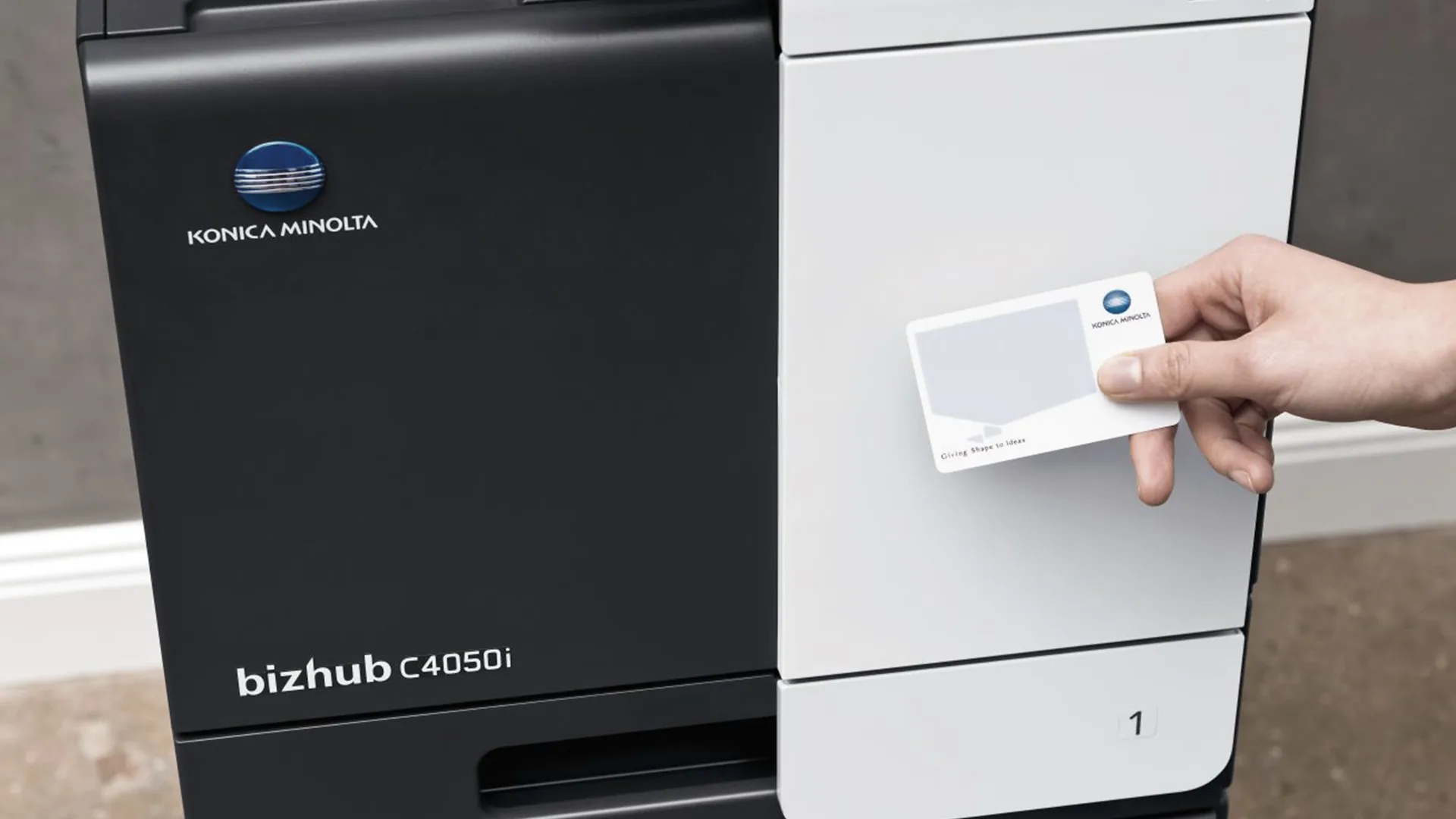
The print queue is part of information security
A document can be securely stored and transmitted, then become exposed when it is printed to a shared device and left in the output tray. Secure release holds the job until the authorised user identifies themselves at an approved printer or multifunction device.
HAD-COPY combines that user journey with device permissions, administration and reporting. The goal is proportionate protection that works with your identity platform and policies while remaining straightforward enough for people to use every day.
Security people can actually follow
Controls work best when the user journey, administration and support model are considered together.
Hold jobs until the user is physically ready to collect them from an authorised device.
Use role-appropriate access to control colour, scanning, copying or specialist functions where needed.
Record useful activity so administrators can investigate issues and understand how the environment is used.
A consistent release workflow makes secure handling an ordinary part of printing instead of an exceptional step.
A proportionate security route
We review sensitive workflows, users, devices, identity systems and the points where documents may be exposed.
Authentication, release rules, permissions and administration are matched to the organisation’s policy and infrastructure.
Testing, user communication and support help the secure workflow become a dependable everyday process.
Questions, answered
Every environment is different, so we will always confirm the detail against your users, devices and workflow.
The print job is held rather than produced immediately. The authorised user identifies themselves at a suitable device before the pages are released.
Often, yes, depending on the card technology, identity platform, reader and print-management software. Compatibility is checked during design.
Some platforms support mixed fleets, but capability varies by device and function. We confirm the supported route against the actual estate.
No. It addresses an important part of document handling, but device configuration, network security, identity, retention and user policy also need attention.
Make the output tray part of your security plan
No photocopier surprises
Equipment condition, costs, agreement dates, service ownership and what happens next—explained in plain English.
Read our clarity commitmentsOne group. More expertise.
From managed print and document workflows to business IT, bespoke print and technology repair, HAD-GROUP connects the right expertise around your organisation.


