Save operator time
Automate repeatable processes and reduce the number of separate touches needed to complete a job.
Independent workplace technology specialists

Inline and offline print finishing
Automate the repetitive steps after printing and give reports, booklets, mailers and presentation work a consistent professional finish.
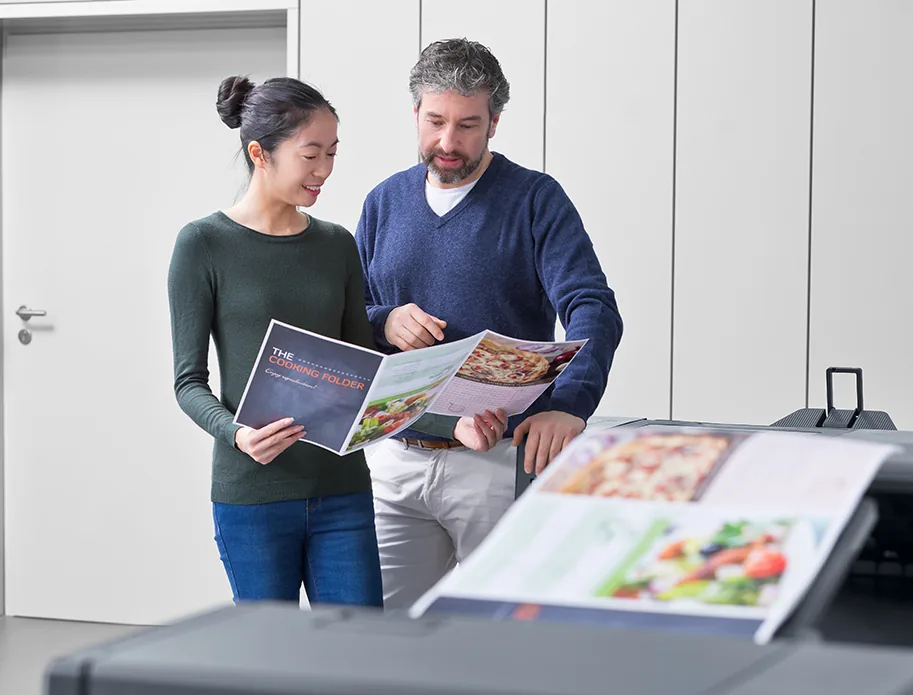
The job is not finished when it leaves the printer
Manual collating, folding and stapling can absorb more time than the print run itself. The right finishing route makes routine documents easier to produce and helps production teams maintain consistency as volumes grow.
We compare inline accessories with dedicated offline equipment, taking account of flexibility, labour, run length, stock, available space and the range of finished products you want to create.
Make every printed page work harder
Good finishing combines the right equipment with a realistic understanding of the final application.
Automate repeatable processes and reduce the number of separate touches needed to complete a job.
Set a repeatable finishing route so each report, booklet or pack reaches the same standard.
Bring additional applications in-house or make existing work more commercially useful.
Balance inline convenience with the flexibility and capacity of dedicated offline equipment.
Work backwards from the finished item
We start with samples, formats, stocks, run lengths and the quality expected at handover.
We assess inline and offline routes, including labour, flexibility, footprint and future demand.
Installation and training help operators achieve repeatable results from the selected equipment.
Questions, answered
Every environment is different, so we will always confirm the detail against your users, devices and workflow.
Inline is convenient and highly automated. Offline can serve several presses and support a wider mix. The better choice depends on applications, volumes, staffing and how often the workflow changes.
Many configurable multifunction devices can fold and saddle stitch booklets when fitted with compatible finishing. We will confirm stock, size and page-count limits.
Sometimes, but compatibility and space should be checked early. Planning the likely finishing route at the device stage avoids costly restrictions later.
Yes. Training can cover setup, stock handling, routine care and the application-specific steps needed for consistent output.
Start with the finished piece
No photocopier surprises
Equipment condition, costs, agreement dates, service ownership and what happens next—explained in plain English.
Read our clarity commitmentsOne group. More expertise.
From managed print and document workflows to business IT, bespoke print and technology repair, HAD-GROUP connects the right expertise around your organisation.


