Produce on demand
Print the current version when it is required instead of planning every change around an external turnaround.
Independent workplace technology specialists

Plan printers, plotters and large-format workflows
Bring technical drawings, site plans and large documents closer to the teams that use them, with equipment and support shaped around your formats, volumes and deadlines.
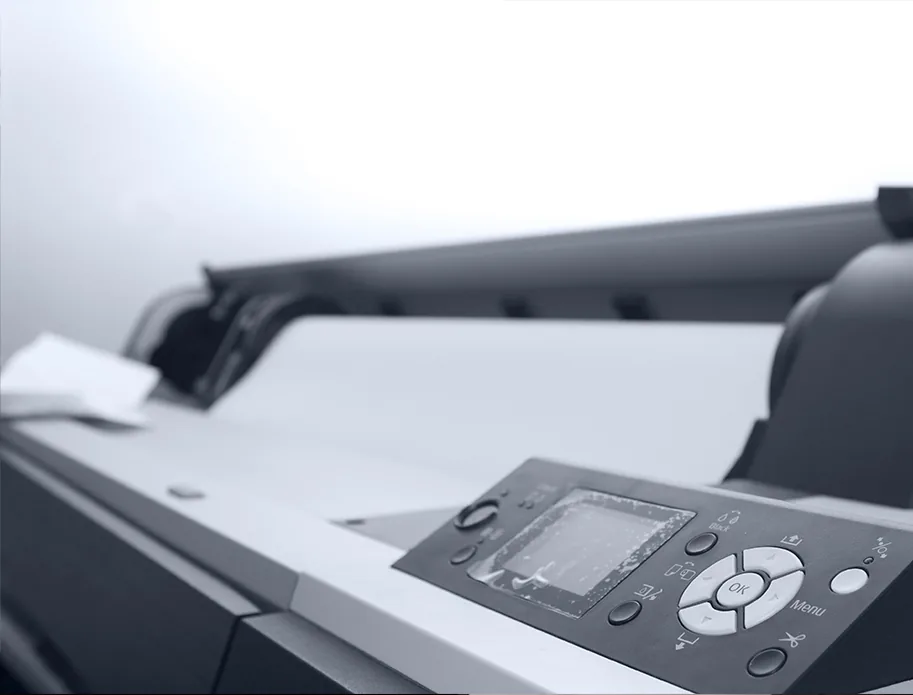
Precision at a useful scale
Architects, engineers, construction teams, manufacturers and facilities departments often need the latest drawing immediately. A suitable plan printer or plotter makes it easier to produce, mark up and share that information in-house.
We regularly work with HP DesignJet printers and other appropriate wide-format equipment. Our role is to understand the application and recommend a practical route without implying that one technology suits every organisation.
More control over technical output
The right wide-format device shortens turnaround while keeping teams in control of revisions and document quality.
Print the current version when it is required instead of planning every change around an external turnaround.
Choose a device and media route suited to line work, annotations, plans and presentation graphics.
Add scanning where older drawings need to be shared, archived, copied or brought into a digital workflow.
Driver setup, network configuration, maintenance and repair can be considered as part of the same solution.
Wide-format without the uncertainty
We review file types, users, applications, widths, media and the cost of delayed output.
We compare print-only and multifunction routes with suitable speed, quality and handling.
The device is installed around network, driver and application requirements, with ongoing support available.
Questions, answered
Every environment is different, so we will always confirm the detail against your users, devices and workflow.
That depends on the largest regular drawing, whether oversize output is needed and how much roll changing the team can tolerate. A0 is common, but it is not automatically the right answer.
Yes, selected multifunction systems can scan and copy large documents. We will check scan width, file destination and archive requirements.
Yes. HAD-COPY has years of practical experience supplying and supporting HP DesignJet equipment and can help identify a suitable current route.
We support a range of wide-format equipment. Availability depends on model, age, parts and location, so share the model and fault for an initial assessment.
Make large documents easier to manage
No photocopier surprises
Equipment condition, costs, agreement dates, service ownership and what happens next—explained in plain English.
Read our clarity commitmentsOne group. More expertise.
From managed print and document workflows to business IT, bespoke print and technology repair, HAD-GROUP connects the right expertise around your organisation.


