
A supplier invoice arrives by email, a delivery note is scanned at reception, and a signed form is copied on a multifunction device. In many organisations, each document still creates a small manual task: saving it, naming it, checking it, forwarding it and chasing the next person. AI document processing trends are changing that routine by helping businesses capture information at the point it enters the organisation, understand what it contains and move it through a controlled workflow.
For office managers, finance teams and IT leaders, the value is not simply faster scanning. It is less rekeying, fewer misplaced documents, clearer accountability and better protection for information that should not sit in inboxes or on shared drives. The strongest results come when AI is applied to a defined operational problem, supported by the right devices, software and people.
AI document processing trends that matter
From optical character recognition to document understanding
Optical character recognition has been used for years to turn printed text into searchable digital text. The newer shift is towards document understanding. AI can identify whether a file is an invoice, purchase order, delivery note, application form or contract, then locate relevant fields even where layouts differ between suppliers.
That matters in real-world document environments, where paperwork is rarely consistent. One invoice may show a purchase order number at the top, another in a side panel, and a third only in the body text. Traditional template-based capture can work well for stable, high-volume documents, but it needs ongoing configuration when formats change. AI-assisted extraction is better suited to variation, provided teams validate the data and set clear confidence thresholds.
The practical question is not whether every document can be processed without a person. It is which data can be extracted reliably enough to remove low-value administration, and which exceptions should be presented for review.
Capture starts at the device, not the inbox
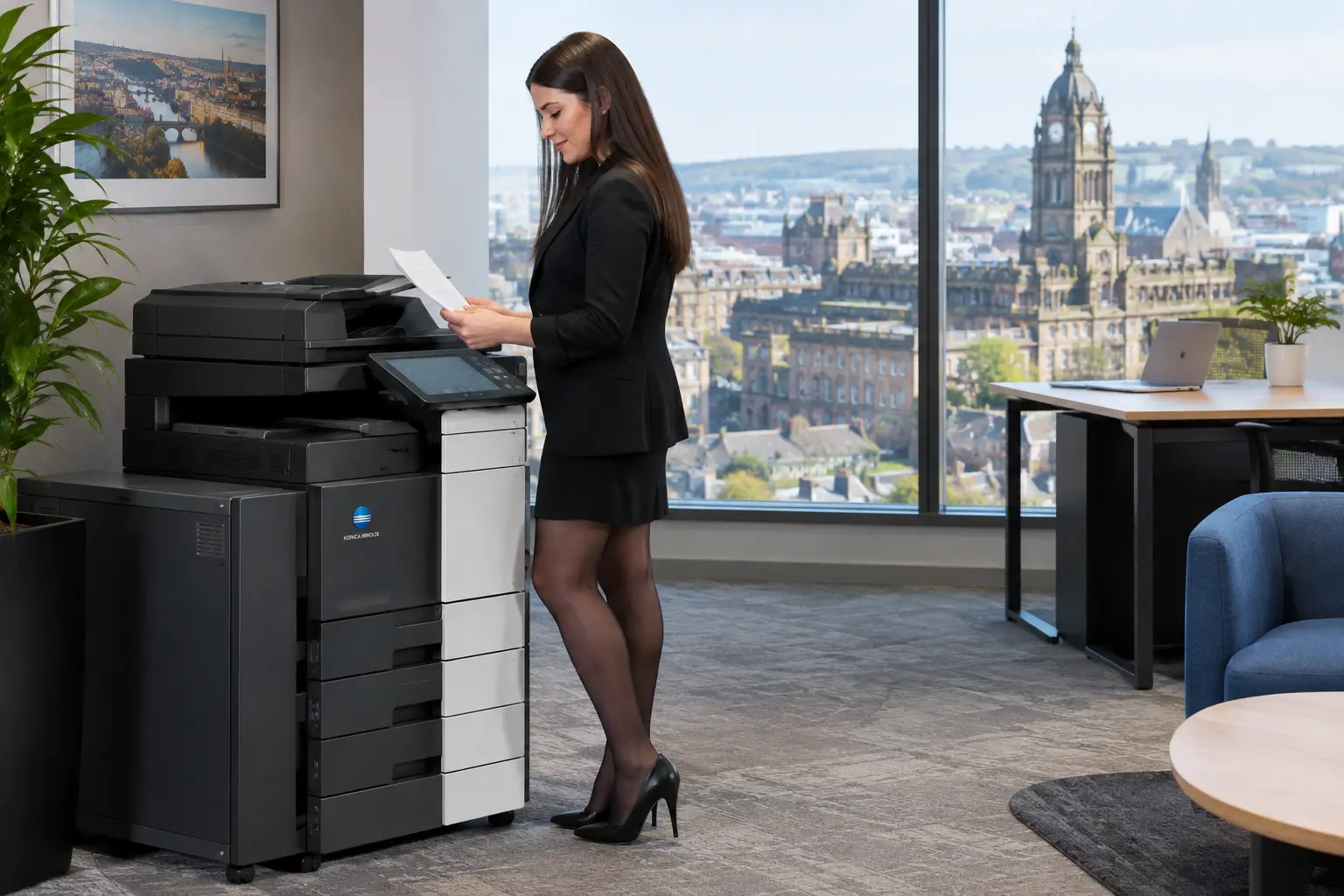
Another important trend is treating multifunction devices as secure entry points into business workflows rather than standalone photocopiers. A user can scan a document and select a guided destination such as accounts payable, HR records, a client file or an approval queue. The system can then apply recognition, indexing and routing rules automatically.
This approach reduces the common habit of scanning to email, where documents can become detached from the process they were meant to support. It also gives organisations a better audit trail: who scanned the document, when it was captured, where it was sent and whether the workflow completed.
For businesses with several sites or hybrid teams, cloud-connected capture is particularly useful. Staff can send documents into the same controlled workflow whether they are scanning at a York office, working from a regional site or processing documents remotely. However, cloud capability should be matched with access controls, retention policies and a clear understanding of where information is stored.
Human review is becoming more targeted
AI is often described as a replacement for manual processing. In document workflows, it is usually more valuable as a way to direct human attention to the right place. A system may automatically process documents with high-confidence results but place unclear values, missing references or unusual requests into an exception queue.
This is a better model for sensitive or financially significant processes. Accounts staff, for example, can focus on an invoice that does not match a purchase order rather than spending time typing details from every routine invoice. HR teams can review documents with missing mandatory information, while standard forms continue through the workflow.
Confidence scoring needs careful setup. If the threshold is too low, incorrect data can enter downstream systems. If it is too high, the team may still need to review almost everything. The right balance depends on document type, consequence of error and the quality of the source material.
The operational benefits depend on workflow design
AI does not improve a process simply because it can read a document. A poor process can become faster while remaining difficult to manage. Before introducing intelligent capture, organisations should map what happens from receipt to archive, including who owns each decision and where delays occur.
For invoice processing, that may mean separating extraction from approval. AI can capture the supplier name, date, amount and purchase order number, but an approval rule should still determine who authorises the spend. For customer onboarding, it may mean checking that required documents have been received before a case moves forward. In both examples, the workflow needs defined rules, escalation paths and reporting.
Integration is equally important. Extracted information should reach the systems where people need to act, whether that is a document management platform, finance application, CRM or shared case-management environment. If a team must export a file, rename it and manually upload it elsewhere, much of the potential gain is lost.
Better data needs better source documents
The quality of the input remains a major factor. Creased pages, faint receipts, handwritten notes and poorly configured scans can all reduce extraction accuracy. This is where managed print and document expertise becomes relevant: scan profiles, resolution, colour settings, blank-page removal and device maintenance affect what the software can interpret.
A consistent scan experience also helps adoption. Users should not have to decide between five different scan buttons or remember folder structures. A small number of clearly named workflows, linked to the organisation's actual processes, is normally more effective than a complex device interface with every possible option enabled.
Security and governance are moving to the centre
As documents become easier to capture and distribute, the risk of uncontrolled sharing increases. AI systems may process commercially sensitive information, personal data, bank details, contracts and employee records. Security therefore cannot be added after implementation.
Organisations should consider device authentication, secure release printing, encrypted transmission, role-based access and audit logging as part of the same document environment. A scan-to-workflow process should identify the user and limit access to authorised destinations. Retention rules should determine how long documents are kept, while deletion procedures should be tested rather than assumed.
There is also a governance question around AI models and data handling. Decision-makers need to know whether documents are processed in a private environment, how data is protected, whether it is used to train external models, and what controls exist for sensitive content. The appropriate answer varies by sector and risk profile, but the questions should be asked before deployment.
How to adopt AI document processing without creating another silo
The most dependable route is a focused pilot built around a document type with enough volume to matter and enough variation to show a benefit. Invoice capture, delivery paperwork, customer forms and HR onboarding documents are common starting points because they often involve repetitive handling and clear hand-offs.
Before selecting a platform or configuring a device workflow, establish four practical measures:
- the current time spent capturing, checking and filing documents;
- the number and type of exceptions or missing documents;
- the points where sensitive information is exposed or difficult to trace; and
- the business system that should receive the final, approved information.
These measures give the project a baseline. They also stop the conversation becoming centred on features rather than outcomes. A pilot should include real documents, not only clean sample files, and should be reviewed by the people who handle exceptions every day.
Device deployment, workflow software and user training should be planned together. A well-designed process can still fail if staff are unclear about when to use it, or if the scanner they rely on is unreliable. Conversely, a capable multifunction device cannot solve an approval bottleneck without the workflow behind it.
HAD-COPY approaches this as a connected workplace environment: secure devices, cloud print and scanning capability, document workflow tools, monitoring and ongoing support. That combination is useful because the point of capture, the movement of information and the reliability of the equipment all affect the end result.
What to watch over the next year
Expect AI document processing to become less visible to users. Rather than opening a separate tool to classify every file, employees will increasingly scan, email or upload as usual while the workflow identifies the document, extracts key information and routes exceptions to the appropriate person.
At the same time, organisations will place greater emphasis on traceability. The question will not only be whether AI saved time, but whether a team can demonstrate how a document was handled, who approved it and where the final record is held. For regulated sectors and organisations managing large volumes of supplier, employee or customer information, that control can be as valuable as the automation itself.
The best starting point is one process that frustrates staff every week. Improve how documents enter it, make the next action clear, and retain human judgement where it carries real business risk. That is how AI becomes a practical improvement to everyday document operations rather than another system for teams to work around.


