
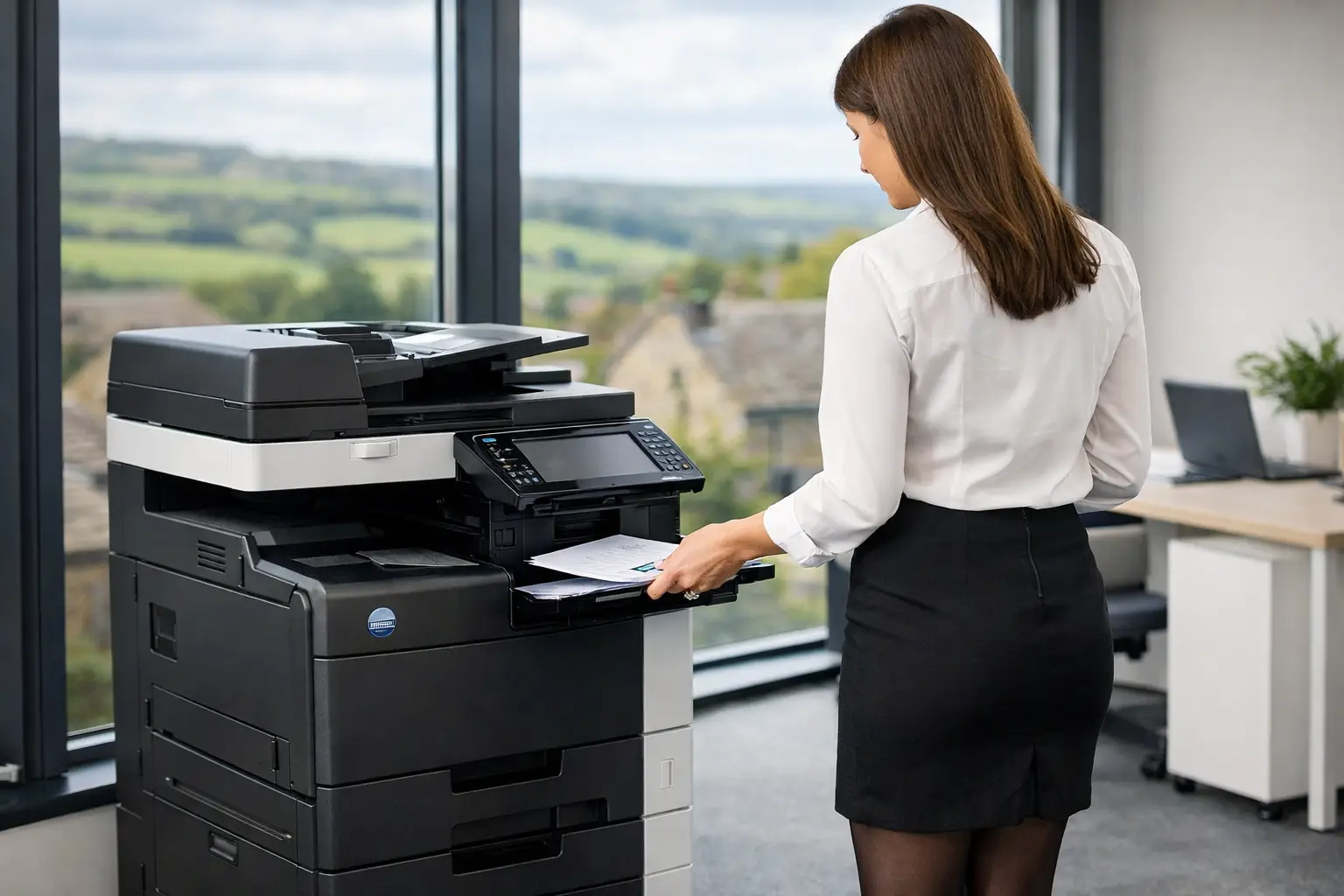
A printer that stops on a deadline does not become less disruptive because it was refurbished. For organisations asking, are refurbished printers reliable, the useful answer is: they can be, provided the device, refurbishment process and support arrangement are right for the job. A professionally renewed multifunction printer can deliver years of dependable service. An unknown machine with little service history and no clear accountability is a different proposition altogether.
The decision should not be framed as new versus old hardware alone. Print reliability depends on how a device has been used, how thoroughly it has been restored, whether its capabilities suit current workloads, and how quickly issues are identified and resolved once it is in service. For office and IT teams, the aim is consistent access to secure printing, copying and scanning - not simply getting a machine that powers on.
Are refurbished printers reliable in a business environment?
A business-grade refurbished printer can be reliable because most office print devices are designed for sustained use and routine maintenance. Their core chassis and internal systems are built to support large volumes, while parts subject to normal wear can be inspected, replaced and calibrated during refurbishment.
Reliability is strongest when the device comes from a controlled business environment, rather than from an unverified resale channel. A suitable machine should have a known history, be assessed against its expected duty cycle, and undergo proper testing before installation. It should also be configured for the way your people work, including print rules, scan destinations, user access and network security.
This matters particularly for multifunction devices. A machine may appear to print correctly during a basic demonstration but still have weaknesses in document feeding, finishing, scanning, paper handling or network connectivity. Those functions are often central to everyday administration. A meaningful refurbishment process tests the complete device, not just the print engine.
There is still an honest trade-off. A refurbished device may not offer every feature found on a newly released model, and older platforms can have limits around operating system compatibility, cloud services or advanced security controls. That does not make them unsuitable. It means the assessment must focus on fit, rather than assuming every device is interchangeable.
What makes a refurbished printer dependable?
The term “refurbished” is used broadly, which is why buyers should look beyond the label. At one end, it can mean a device has been cleaned and switched on. At the other, it can mean a structured technical process with inspection, component replacement, firmware checks, quality testing and installation support.
A dependable refurbished printer should be assessed for physical condition, image quality, paper path performance, feeding accuracy and error history. Consumable and maintenance components should be reviewed according to their remaining life, while worn rollers, drums, fusers and other serviceable parts should be replaced where required. The device should then be tested across realistic functions, including duplex printing, scanning, copying and finishing where fitted.
Software matters too. A printer is a connected endpoint on your network, often handling invoices, employee records, customer correspondence and confidential reports. Firmware should be current and appropriate for the device, old user data should be removed, and the machine should be configured with relevant security controls. Depending on your environment, that may include user authentication, secure release printing, encryption, audit trails and restricted scan destinations.
The final factor is service continuity. Even the best-maintained device will eventually need attention. Reliable printing comes from a combination of suitable hardware, proactive monitoring, consumables management and access to engineers who understand the machine. For many organisations, that ongoing support is more valuable than the distinction between a new and refurbished device.
Match the machine to the workload, not the opportunity
A refurbished printer is most likely to perform well when it is selected for a defined role. A compact office device serving a team of ten has very different requirements from a departmental multifunction printer supporting hundreds of daily print jobs, or a production device handling customer-facing material.
Start with actual usage. Monthly volumes are useful, but they are not the only measure. Consider peak periods, paper sizes, colour requirements, finishing needs, scanning volumes and how many people depend on the device. A device that is technically capable of meeting an average monthly volume may struggle if its workload is concentrated into a few intense days each month.
It is also worth considering document workflows. If staff routinely scan to shared folders, email records to customers, route forms for approval or print from mobile and cloud-based systems, the refurbished device needs to support those processes reliably. A lower-impact machine can be a sensible choice for straightforward print and copy requirements, but it may become a false economy if it creates manual workarounds elsewhere.
For IT-led organisations, compatibility should be checked before deployment. Confirm network requirements, supported print drivers, identity management needs, scan integration and the availability of security updates. This avoids the common problem of placing a seemingly capable device into an environment where it cannot be managed properly.
Questions to ask before choosing refurbished equipment
A good supplier should be comfortable discussing the condition of the device and how it will be supported after installation. The following questions help separate a properly renewed business asset from a short-term replacement:
- What checks, parts replacement and quality testing are included in the refurbishment process?
- Is the device suitable for our expected print, copy and scan volumes, including busy periods?
- How will data be removed and security settings configured before the device joins our network?
- Can the device support our required paper handling, finishing, cloud printing and document workflows?
- Who will provide maintenance, remote monitoring and on-site assistance if a fault occurs?
The answers should be specific to your environment. A generic reassurance that a device has been “fully tested” is less useful than a clear explanation of its condition, configuration and support route.
Refurbished devices and the wider print fleet
Reliability is not only a property of one machine. In many offices, disruption happens because there is no visibility of the wider fleet: devices are deployed without ownership, toner runs out unexpectedly, users send sensitive documents to the wrong printer, or a single failure affects an entire department.
A refurbished multifunction printer can work well within a managed print approach. Usage monitoring can identify developing faults and unusual volumes. Rules can direct routine work to the most appropriate device. Secure print release can reduce abandoned documents, while user guidance helps staff use scan and workflow functions consistently.
This broader view also makes it easier to decide where refurbished equipment belongs. It may be an excellent fit for a controlled office location, a departmental device with well-understood needs, or a replacement within an established fleet. In other cases, a new platform may be more appropriate where the organisation requires the latest security architecture, specialist production capability or a significant change in workflow.
HAD-COPY Renewed takes this lifecycle perspective, helping organisations assess refurbished equipment alongside support, security and document workflow requirements rather than treating it as an isolated hardware purchase.
When a refurbished printer may not be the right choice
Refurbished equipment is not the answer in every situation. If a device will carry unusually high volumes, requires specialist media handling, or must meet a new integration standard that an older platform cannot support, a newer model may offer greater operational confidence.
The same applies where compliance requirements demand particular security features or long-term manufacturer software support. It is better to identify those requirements at the outset than to install a device that creates avoidable risk for IT or operational teams.
There can also be a case for standardising on fewer device models across multiple sites. Consistency can simplify driver management, user training, consumables planning and engineer support. A refurbished device should support that strategy, not complicate it.
Reliability comes from accountability
The question is not simply whether a printer has been used before. It is whether someone has taken responsibility for restoring it properly, confirming it is suitable for its role and keeping it working once it is deployed.
For a business with clear needs and a capable support partner, refurbished print equipment can be a dependable, sustainable part of a controlled document environment. The most useful next step is to review what your teams print, scan and share each day, then choose a device lifecycle option that protects those processes rather than merely filling a gap.


