
An approval held in an inbox for three days can delay an order, a contract, a recruitment decision or a customer response. The best document approval workflow software does more than replace paper forms or chase signatures. It gives the right people a clear task, records their decision and moves the document forward without losing control.
For operations and IT teams, the challenge is rarely finding a system with an ‘approve’ button. The real requirement is fitting approvals into existing ways of working while improving security, accountability and administration. That means looking beyond features lists and choosing software that works with your documents, devices, users and business rules.
What good approval workflow software should solve
Manual approvals create predictable problems. Documents are attached to long email chains, staff use different versions, approvers are unclear, and no one can easily show who signed off what and when. This becomes particularly difficult for organisations processing purchase orders, invoices, HR forms, policies, site documentation, quality records or customer correspondence at volume.
A well-designed workflow creates a defined route from capture to decision and archive. A scanned supplier invoice, for example, can be read, indexed and sent to the correct budget holder. If the amount exceeds an agreed threshold, it can automatically move to a second approver. The finance team sees its status throughout, while an audit trail records every action.
This is not simply about speed. Faster routing matters, but controlled approval also reduces duplicate payments, unauthorised commitments and the risk of sensitive documents being sent to the wrong person. It gives managers a better view of bottlenecks and lets teams act before a late approval becomes an operational issue.
Best document approval workflow software: what to assess
There is no single product that is best for every organisation. A small office may need straightforward digital forms and email notifications. A multi-site organisation may need role-based permissions, mobile approval, integration with finance or HR systems, and detailed reporting. The right choice depends on the document types, the number of users, the level of control required and how well the software can be supported over time.
Workflow design that reflects real decisions
Start with the approval routes you already use, including the exceptions. Can the software assign tasks by department, job role, document value or location? Can it send a document to a substitute approver when someone is away? Can a rejected item return to the right person with a clear reason?
Avoid systems that force every process into a rigid, one-size-fits-all path. Equally, be cautious of platforms that allow unlimited complexity without governance. The best setup is normally simple for the user but structured enough to enforce company policy. A purchase request should not depend on someone remembering which manager needs to see it.
Reliable document capture and indexing
Approval starts with getting documents into the system accurately. For paper-heavy teams, this often means scanning from a multifunction device directly into a workflow rather than scanning to email and relying on staff to sort files later.
Look for software that can capture key information such as supplier name, invoice reference, date, cost centre or customer account number. Optical character recognition can reduce manual data entry, but it still needs sensible validation rules. Poor-quality originals, handwritten notes and inconsistent supplier layouts will sometimes require human checks.
The practical question is whether the process makes documents easier to find and trust. A user should be able to retrieve the approved version quickly without searching filing cabinets, shared drives and inboxes.
Integration with the systems people already use
Workflow software delivers more value when it connects to core business systems. Finance teams may need approved invoice data passed into their accounts platform. HR teams may need employee documents stored against personnel records. Customer-facing teams may need correspondence or order paperwork linked to a CRM or line-of-business system.
Integration should be assessed carefully. A basic export may be enough for a simple process, while a high-volume accounts payable workflow may require reliable two-way data exchange, duplicate checks and status updates. Ask who owns the integration, how errors are identified and what happens when a connected system is unavailable.
Email and cloud storage connections are useful, but they should not become a substitute for proper control. If users can download, amend and re-upload documents outside the workflow, version control can quickly disappear.
Security, permissions and auditability
Approvals often involve commercially sensitive, personal or confidential information. Permission settings need to be granular enough that users only see what they need to do their job. This is especially relevant for HR, finance, legal and management documentation.
Assess how the software authenticates users, how it manages role changes and whether it supports single sign-on where appropriate. Consider retention rules, document deletion controls and the ability to provide a complete audit history during an internal review or external audit.
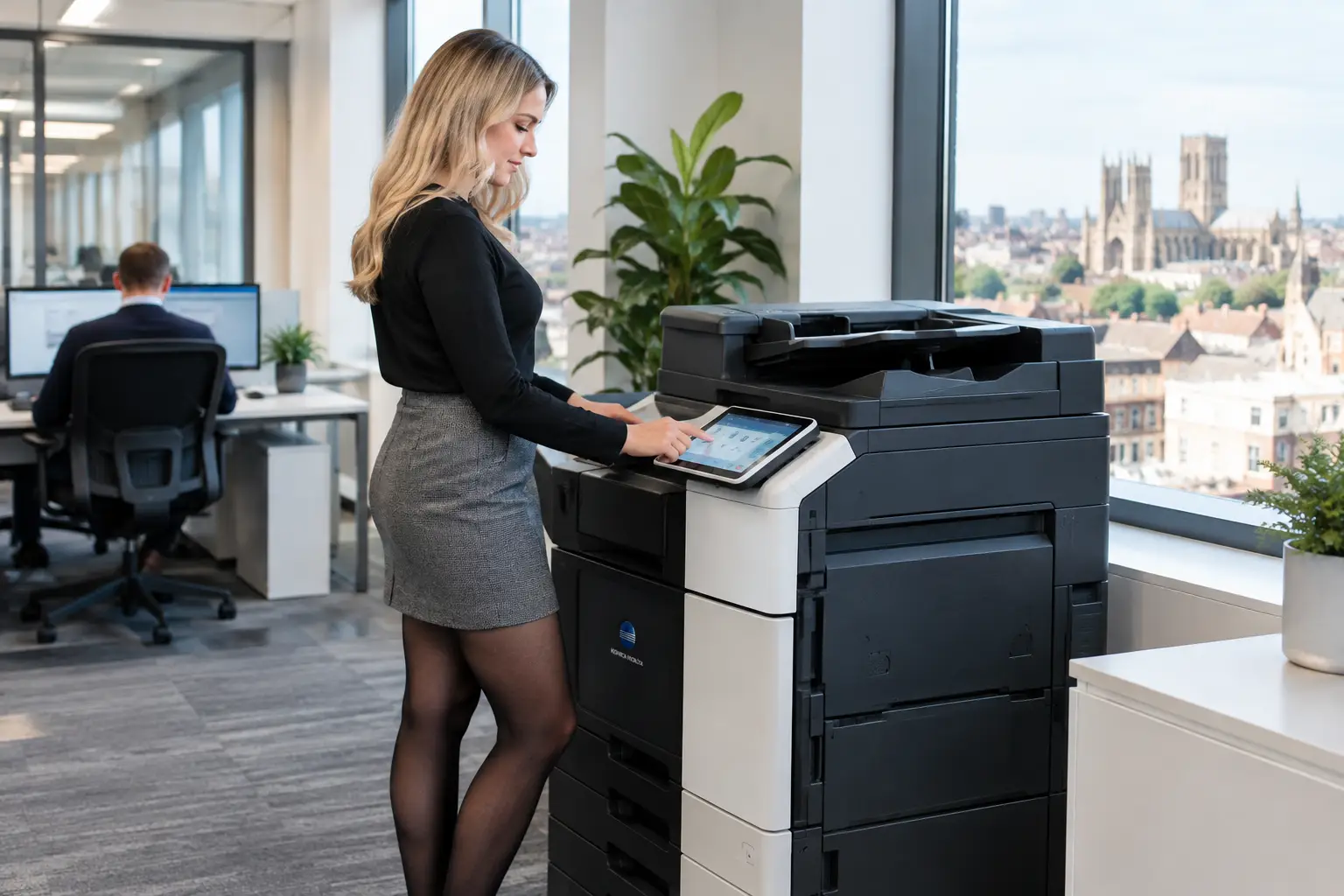
Security also extends to the point of capture. If staff scan documents from shared office devices, the workflow should reduce the risk of files sitting exposed on a device or being sent to an incorrect destination. Secure print release, user authentication and managed device settings can support the wider document control process.
Approvals that work away from the desk
Senior staff and operational managers are often the people holding up a process because they are travelling, working between sites or simply dealing with competing priorities. Mobile access and clear notifications can help, but only if the approval screen gives enough context for a responsible decision.
An approver should be able to see the relevant document, supporting information, previous comments and the action required. A one-click approval may be convenient, but it is not suitable for every decision. High-value or high-risk documents may need mandatory comments, supporting evidence or multiple levels of authorisation.
Reporting that identifies the real bottleneck
Workflow reporting should answer operational questions: how long do approvals take, where do items stall, how many documents are rejected, and which exceptions occur repeatedly? This information helps teams improve a process rather than merely digitise an inefficient one.
The most useful reports are often simple. Finance may need visibility of invoices awaiting authorisation. Operations may need to see delayed purchase requests. IT may need evidence of user access and system activity. Choose reporting that people will actually use, rather than dashboards that look impressive but require specialist effort to maintain.
Start with one high-value process
Trying to automate every document route at once is a common cause of stalled projects. Begin with a process that is frequent, visible and frustrating enough to demonstrate a clear improvement. Supplier invoice approval is often a strong candidate because it involves identifiable documents, repeatable rules and measurable delays. Policy sign-off, purchase requests and service documentation can also be suitable starting points.
Map the existing process before configuring software. Identify where documents arrive, who checks them, who approves them, what information is required and where the final record should be stored. Include exceptions, such as disputed invoices, absent managers and incomplete submissions. The aim is not to replicate every workaround. It is to decide which controls are necessary and which steps can be removed.
User adoption deserves the same attention as configuration. People need to understand what has changed, what they are expected to do and where to get help. Short, role-specific training is usually more effective than a generic demonstration. The person scanning a document, the manager approving it and the administrator resolving an exception each need different guidance.
Treat workflow as part of your document environment
Approval software performs best when it is considered alongside scanning, printing, cloud access, document storage and ongoing support. A workflow can be technically sound but still fail if users cannot capture documents reliably, devices are poorly secured or ownership is split across multiple suppliers.
For organisations across Yorkshire and Northern Lincolnshire, a local technology partner can be particularly valuable where document workflows need to connect with office multifunction devices and managed print environments. HAD-COPY takes this joined-up view, helping teams assess how documents enter the business, where decisions are delayed and how devices, software and support can work together.
Before selecting a platform, ask providers to demonstrate your own approval scenario rather than a polished generic example. Use a real document type, a realistic approval route and a known exception. The result will show far more clearly whether the software supports the way your organisation needs to operate.
The right system should make approval feel less like chasing paperwork and more like a controlled routine: visible to the people responsible, secure for the information involved and straightforward enough that staff will use it consistently.


