
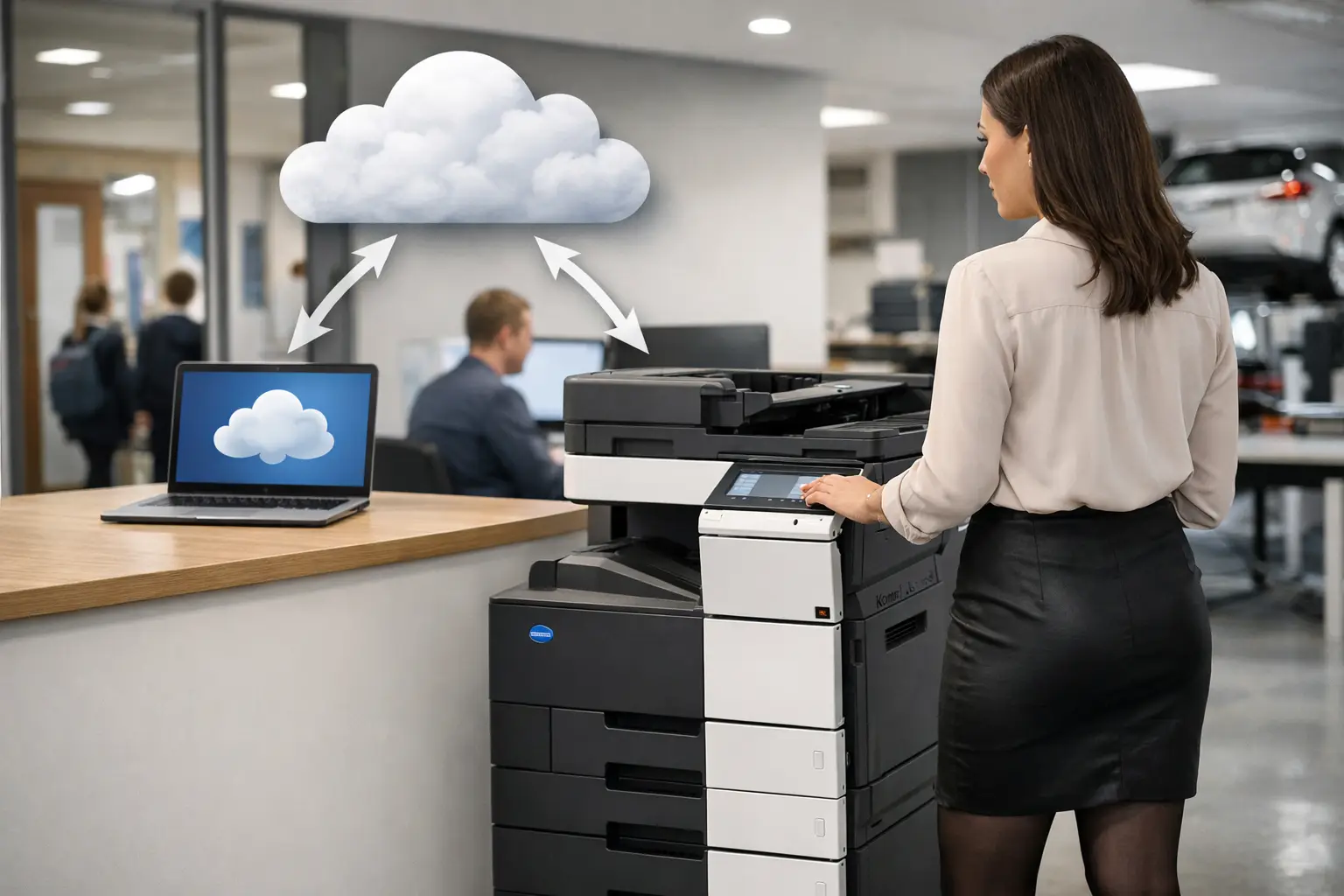
A printer problem rarely starts with the printer. It starts when a colleague cannot print from a meeting room, a visiting contractor needs access, a home worker sends a sensitive document to the wrong device, or IT is asked to support another driver on another laptop. Cloud printing for business addresses these everyday issues, but only when it is designed around the way people, devices and documents actually move through an organisation.
For organisations across Yorkshire and Northern Lincolnshire, the question is not simply whether to move print to the cloud. The useful question is how to make printing easier to manage without giving up security, cost visibility or dependable local support.
What cloud printing for business should achieve
At its best, cloud printing replaces a collection of locally managed print queues, drivers and isolated devices with a centrally controlled service. Users submit work through an approved platform, administrators manage access and policies from one place, and documents are released at the device when the right person is present.
That can reduce the burden on IT teams, particularly where people work across multiple sites, from home, or on a mixture of managed and personal devices. It also makes it easier to introduce new printers, retire old ones and keep user access consistent as staff join, move roles or leave.
However, cloud printing is not a universal cure for a poorly managed fleet. If there are too many devices, unclear print rules, weak network separation or no ownership of consumables and servicing, moving the print queue alone will not fix the underlying problem. A successful project combines cloud platform, device configuration, user behaviour and ongoing support.
Why traditional print environments become difficult to run
Many businesses have reached a point where their print environment has evolved by accident. A desktop printer was bought for a particular team, a multifunction device was installed on each floor, and different locations chose different suppliers. Over time, nobody has a complete picture of volumes, costs, device condition or user permissions.
Traditional print servers can add further overhead. They need maintaining, drivers need updating, and remote users may need workarounds that do not match the security standards applied inside the office. When a server fails, printing can stop for a whole department.
There is also a financial issue. Low-cost desktop devices can be expensive once toner, call-outs, wasted prints and employee time are considered. Without reporting, finance and procurement teams may see invoices for hardware, consumables and repairs without being able to connect them to a department, process or print volume.
Cloud-based management gives organisations a clearer operating model. It can show what is being printed, where demand sits, which devices are underused and whether policies such as duplex printing or colour restrictions are having an effect. The value is not in gathering data for its own sake. It is in using that information to make practical decisions.
Security depends on more than a login
Print is often overlooked in cyber security planning, even though multifunction devices store, scan and transmit sensitive information. Payroll records, legal documents, customer correspondence and commercial proposals can all pass through the same device.
A properly configured cloud print system can improve control through identity-based access, secure print release and audit trails. Rather than leaving a document in an output tray, a user authenticates at the device using a card, PIN or approved mobile method. The job is released only when they are there to collect it.
This approach reduces the risk of confidential pages being seen by the wrong person and cuts down on abandoned print jobs. It is especially valuable in shared offices, schools, healthcare settings and organisations with reception areas or hot-desking arrangements.
The trade-off is that security must remain usable. If authentication takes too long, cards are not managed properly, or staff are given no explanation of the new process, users will look for shortcuts. Policies should match the sensitivity of the work. A finance team may need stricter release rules than a low-risk internal noticeboard, while both still need a straightforward printing experience.
Device security also matters. Default passwords should be changed, firmware kept current, unused services disabled and network access controlled. Cloud management can simplify these tasks, but it does not remove the need for sound configuration and regular review.
Designing the right cloud print setup
The best starting point is a fleet and workflow assessment, not a platform demonstration. Before selecting technology, establish who prints, what they print, where they work, which systems generate documents and where the bottlenecks sit.
A busy accounts department may need fast, secure batch printing and scan-to-workflow capabilities. A sales team may need reliable mobile printing from client-facing spaces. A small office may only require one well-positioned multifunction device with simple user controls. Treating all three requirements in the same way usually creates unnecessary cost or frustration.
Start with users and locations
Map the people who need to print, scan or copy, including hybrid workers, visitors and contractors. Then assess the locations they use and the network conditions at each site. Cloud printing can be particularly effective for multi-site organisations because it creates consistent controls without needing a separate print server at every location.
That said, connectivity still matters. Sites with unreliable broadband may need a design that retains appropriate local resilience. Critical operational printing, such as dispatch notes or production paperwork, should be tested against real-world failure scenarios rather than assumed to work in every circumstance.
Match devices to demand
A cloud platform does not make an unsuitable device more capable. Print speed, paper capacity, finishing options, scan quality and duty cycle still need to reflect the work being done. A device used for occasional black-and-white documents has very different requirements from one producing customer packs, training materials or high-volume invoices.
Consolidating several small printers into fewer multifunction devices can lower consumables costs and improve visibility. But consolidation should not force staff to walk unreasonable distances or create queues at peak times. The right number of devices depends on layout, volume, accessibility needs and the importance of immediate output.
Build scanning into the plan
For many organisations, the greater opportunity is not printing but reducing paper handling after a document has been received. Cloud-enabled multifunction devices can direct scanned documents to approved folders, email addresses or document workflows, with naming rules and permissions applied consistently.
This can help teams replace manual filing, reduce duplicate data entry and make documents easier to retrieve. The process should be designed carefully. Scanning every page into an unstructured shared folder simply creates a digital version of the same filing problem.
Cost control needs clear rules and reporting
Cloud print management gives decision-makers better information, but it needs agreed actions behind it. Reports can identify heavy colour users, repeated failed jobs, devices with high running costs and departments with unusual print behaviour. Those findings should inform policy, training and fleet decisions rather than becoming another monthly report nobody reads.
Useful controls may include default duplex printing, sensible colour permissions, limits on personal printing and follow-me printing that lets users release work at any approved device. These measures should be proportionate. Restricting colour printing may make sense for routine internal documents but not for marketing teams, architects or departments that need accurate visual output.
A managed print arrangement can make spending more predictable by bringing equipment, consumables, monitoring and maintenance into one accountable service model. It also helps avoid the common gap where one supplier provides the device, another sells toner and internal staff are left to resolve faults.
Implementation is a change project, not just an installation
The technical installation is only one part of the work. Users need to know what will change, how to authenticate, where to find devices and what to do if a job does not appear. A short, practical briefing at launch can prevent a disproportionate number of support calls.
IT teams should also agree ownership from the outset. Define who manages users, who responds to device alerts, how faults are escalated and how new sites or departments are added. Service levels matter most when a key device fails on a deadline, so support arrangements should be tested against the organisation's actual working hours and priorities.
HAD-COPY approaches cloud print as part of a wider workplace technology environment: devices, security settings, document workflows, monitoring and responsive support working together. That is particularly useful for organisations that want one partner to take responsibility beyond the initial installation.
A practical next step
Before committing to cloud printing, ask for a clear picture of the current estate: device locations, print volumes, operating costs, security risks and document processes that still rely on manual handling. From there, set measurable outcomes such as fewer support requests, reduced colour volume, secure release for confidential documents or faster processing of scanned paperwork.
The right cloud print environment should make life quieter for IT, simpler for users and more predictable for finance. If it creates more exceptions than it removes, the design needs another look before it becomes the next inherited workplace problem.


