
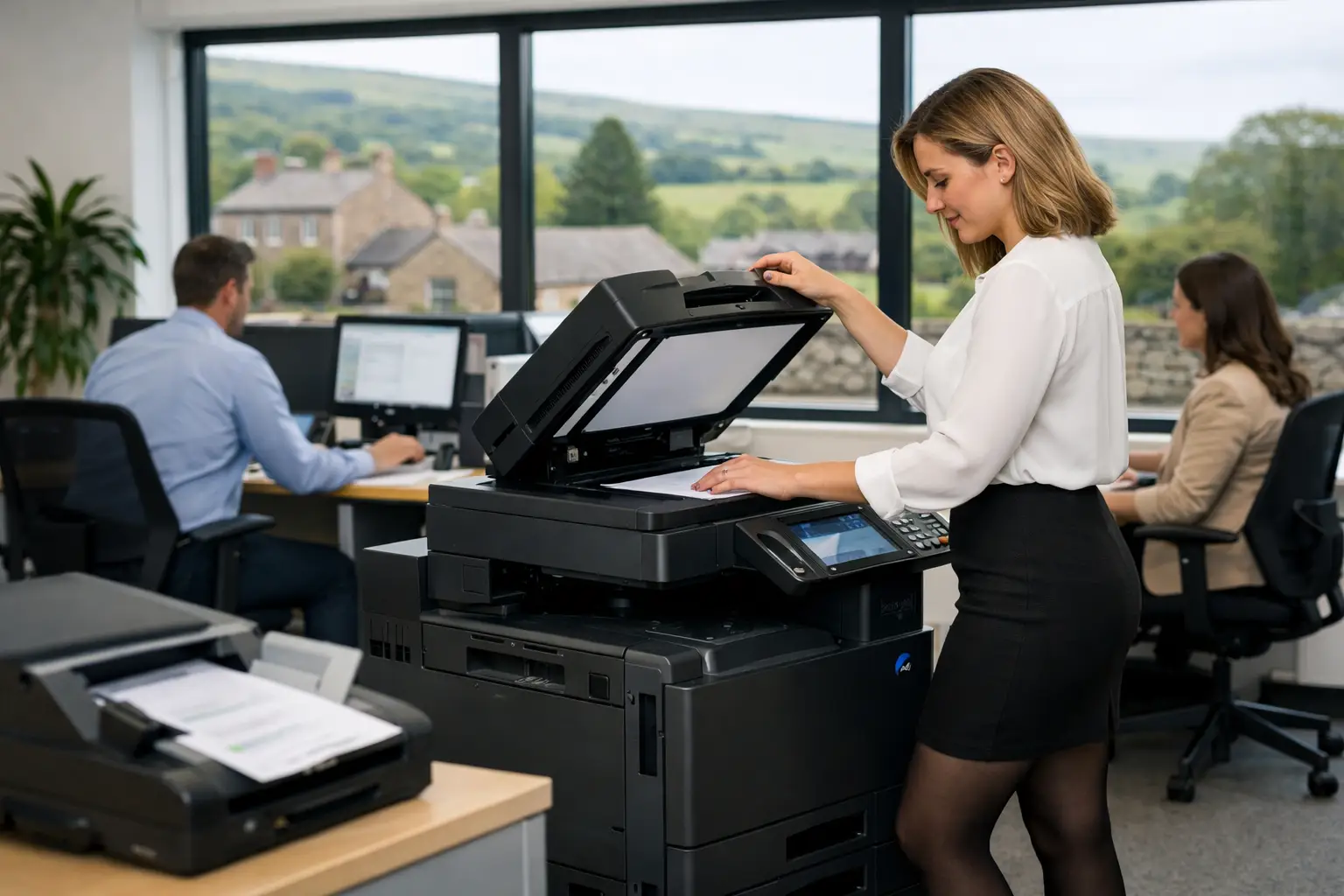
A scanned document is only useful when the right person can find it, trust the information it contains and act on it without rekeying data. Document capture software turns scanning from a basic office task into a controlled business process, helping teams move invoices, forms, correspondence and records into the systems where work actually happens.
For organisations managing busy shared devices, paper-heavy approvals or dispersed teams, this is not simply a question of replacing filing cabinets. It is about reducing avoidable administration, improving visibility and keeping sensitive information under control from the moment it enters the business.
What document capture software does
Document capture software collects information from paper documents, emails or digital files, identifies the relevant data and sends the document and its data to an agreed destination. That destination might be a document management platform, accounts system, CRM, shared folder, cloud storage location or a structured approval workflow.
The process often begins at a multifunction device. A user can scan a supplier invoice, delivery note or employee form and select a simple on-screen option. The software applies consistent rules in the background: it may recognise the document type, read key fields, name the file correctly and route it to the appropriate queue.
Optical character recognition, commonly known as OCR, is central to many capture workflows. It converts text in a scanned image into searchable information. More advanced tools can extract values such as invoice numbers, purchase order references, dates and supplier names. However, extraction accuracy depends on the quality and consistency of source documents. A clear, standardised invoice is easier to process than a handwritten form or a poor photocopy.
That distinction matters. Good capture software should reduce manual effort, not create a new exception-handling burden. The right design includes validation steps for uncertain data, so users only review the information that genuinely needs attention.
Where manual document handling creates pressure
Many businesses still rely on a mixture of email attachments, shared drives, paper trays and personal knowledge. An invoice arrives at reception, is scanned to a generic mailbox, then waits for someone to forward it. A signed delivery note sits on a desk until a query arises. An HR form is saved with an inconsistent name in a folder only one person understands.
These processes may appear manageable at low volumes, but the operational cost becomes clear when someone is absent, an audit request arrives or a customer needs an answer quickly. Staff spend time searching rather than progressing work. Finance teams chase approvals. IT teams inherit uncontrolled shared folders. Sensitive documents are copied more widely than necessary.
Document capture is particularly useful where a process involves repeated document types, a clear owner and a predictable next step. Accounts payable, onboarding, case files, job sheets, purchase documentation and customer correspondence are common examples. The aim is not to digitise every piece of paper for its own sake. It is to remove friction from the documents that repeatedly slow the organisation down.
Document capture software is more than scanning
A scanner creates an image. A capture workflow gives that image context, ownership and a route forward. This is why the software should be considered alongside devices, print management, access controls and the systems teams already use.
Capture at the point of work
A well-configured multifunction device can present users with clear scan options based on their role or department. Rather than asking users to remember email addresses, folder paths and file naming rules, the device guides them to the correct workflow. This reduces errors at source and makes adoption easier for occasional users.
For organisations with multiple locations, cloud-enabled capture can apply the same rules across the estate. A branch office, warehouse or remote worker can submit documents into a consistent process without relying on local workarounds.
Classify, extract and validate
Once captured, software can separate batches, identify document types and extract agreed fields. Not every workflow needs sophisticated automation. A simple rule that names files consistently and sends them to the right team can deliver a meaningful improvement.
Where data extraction is required, build in validation. For example, an invoice can be checked against an expected supplier format or purchase order reference before it reaches an approver. Exceptions can be directed to a defined queue rather than disappearing into an inbox. This gives teams a practical balance between automation and control.
Route information, not just files
The most useful workflows move documents into the place where the next decision is made. That may mean passing invoice data to finance, attaching service records to a customer account or storing a signed document against an employee file.
Before selecting software, map the hand-offs. Ask who receives the document, what decision they make, which information they need and what should happen if the document is incomplete. This reveals whether a simple scan-to-folder process is enough or whether integration and approval rules are needed.
Build the workflow around the business process
A successful implementation starts with a focused process, not a long list of features. Choose one workflow that creates regular administrative pressure and has a measurable outcome, such as shortening approval delays, reducing rekeying or improving document retrieval.
First, establish how documents currently arrive and where they stall. Include the informal steps that are easy to overlook: printing an email for approval, forwarding documents between mailboxes or keeping a temporary desktop folder. These are often the points where security and accountability weaken.
Next, agree the minimum information needed from each document. An accounts workflow may require a supplier name, invoice number, date, amount and purchase order number. A service workflow may need a customer reference, job number and engineer notes. Capturing more data than anyone uses adds complexity without improving the process.
Then define ownership. Someone should be responsible for exceptions, workflow changes and user feedback after launch. Software cannot compensate for unclear approval responsibilities. If a document waits because nobody knows who should approve it, automation will make the delay more visible but will not solve it.
Finally, test with real documents and real users. Include poor-quality scans, duplicate documents and unusual layouts. A workflow that works only in a demonstration is unlikely to survive daily office use. User training should cover the reasons for the process as well as the buttons to press, particularly where staff are moving away from familiar paper routines.
Security and governance need to be designed in
Document capture can improve security, but only when the workflow is configured with appropriate controls. Sending scanned information to a generic mailbox or unrestricted shared drive may be convenient, yet it leaves little clarity over who has accessed, changed or retained a document.
Consider authentication at the device, role-based access to destinations, secure release for printed material and audit trails for workflow actions. Retention policies also deserve attention. A document should be kept for the required period, but not indefinitely simply because storage is available.
This is especially relevant for organisations handling employee records, financial data, customer information or commercially sensitive contracts. The capture process should support existing information governance rather than becoming an unmanaged route around it. IT, finance, operations and compliance stakeholders may all have legitimate requirements, so early agreement prevents expensive rework later.
Choosing document capture software that will be used
The best option depends on document volumes, existing systems, device estate and the level of automation required. A smaller organisation may benefit most from dependable scan routing, searchable files and clear user permissions. A larger or more document-intensive operation may require extraction, validation, integrations and detailed audit reporting.
Avoid buying solely on the promise of automation. Ask how the software handles exceptions, how easily workflows can be adjusted and what support is available after deployment. Also consider the everyday user experience at the multifunction device. If the process takes too many steps, users will revert to email, paper copies or personal folders.
An independent assessment can be valuable because capture software works best as part of the wider workplace environment. Device placement, scanning capability, cloud print arrangements, user access and support responsibilities all affect the outcome. HAD-COPY approaches these elements as one managed environment, helping organisations connect document workflows with the equipment and support behind them.
The practical starting point is simple: identify one document journey that causes repeated delay or uncertainty, then design a better route for it. When staff can capture information once, send it to the right place and find it again without a search through inboxes and filing trays, the improvement is felt across the working day.


