
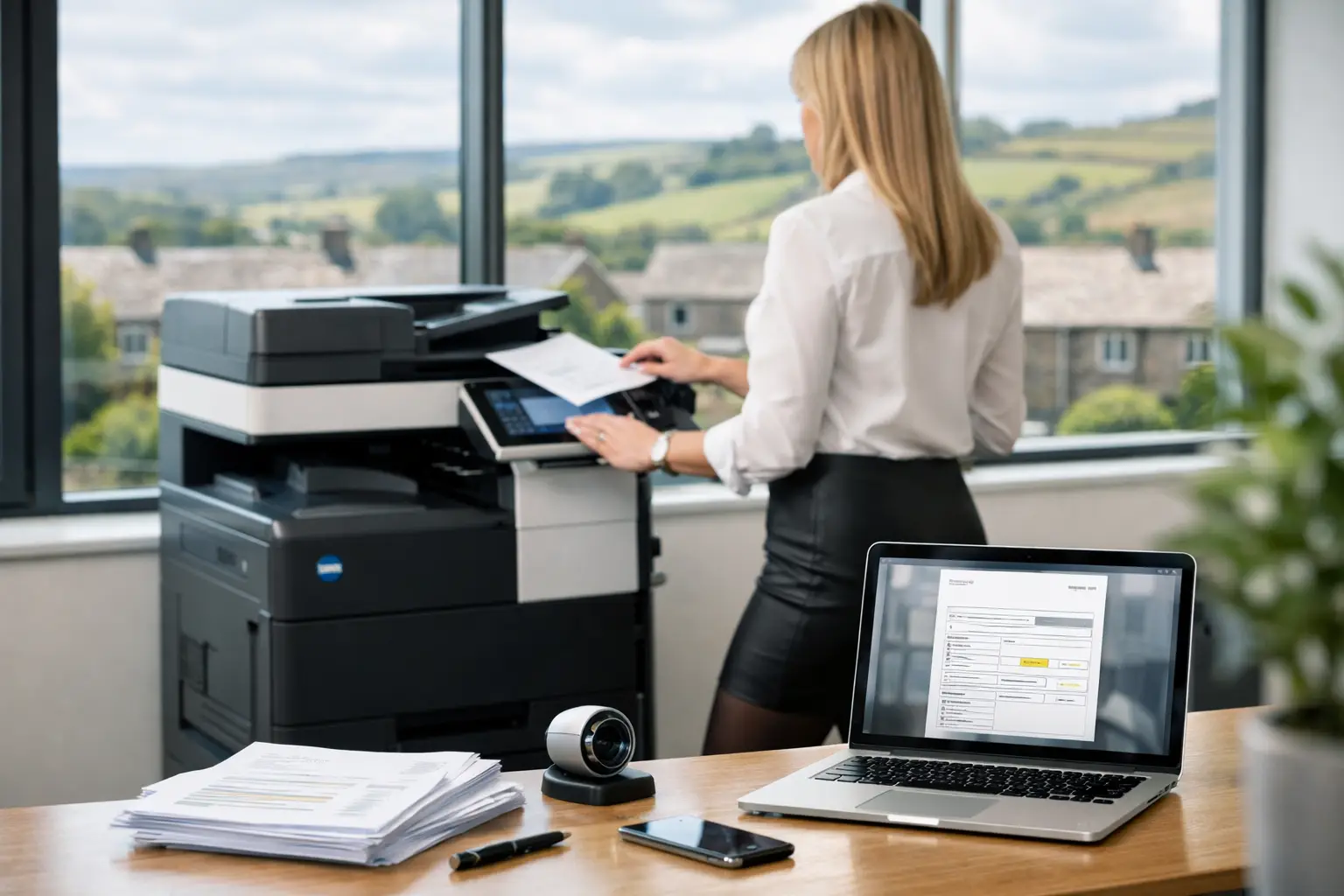
An invoice arriving as a PDF attachment, a paper document in reception or a scan from a supplier should not create a chain of rekeying, chasing and filing. Yet for many finance teams, the information still has to be read, typed into an accounts system, checked against purchase orders and sent on for approval. When volumes rise, small delays and data-entry errors soon become a material operational issue.
To automate invoice data capture is to turn that unstructured document into usable, validated information at the start of the process. Done properly, it reduces manual handling without removing the financial controls that protect the business. The result is a more reliable route from invoice receipt to approval, posting and secure storage.
Why manual invoice processing creates avoidable risk
An invoice process often appears manageable until it is tested by staff absence, month-end pressure, supplier queries or a growing number of locations. Paper invoices can sit in trays. PDF attachments can remain in individual inboxes. Documents may be printed simply so they can be signed, copied and scanned again.
The direct cost is staff time, but the wider impact is usually more significant. Finance teams have less visibility of liabilities waiting for approval. Duplicate invoices are harder to spot. A misplaced document can delay payment and create unnecessary supplier friction. Where information is entered manually, even a transposed digit in a purchase order number, VAT amount or bank detail can require time-consuming correction.
There is also a security and governance consideration. Invoices contain commercially sensitive information, and paper-based routes make it difficult to know who has handled a document, where it has been stored and whether the latest version is being used. A controlled digital workflow gives the business a clearer audit trail and reduces dependence on informal workarounds.
What automated invoice data capture actually does
Automated capture combines document scanning, optical character recognition and workflow software. A multifunction device, monitored inbox or dedicated upload point receives the invoice. The software identifies relevant fields, such as supplier name, invoice number, date, purchase order reference, net value, VAT and total amount, then passes that information into the next stage of the process.
The objective is not simply to convert paper into a searchable PDF. Searchable documents are useful, but the real operational gain comes when invoice data can be checked and routed without someone retyping every line.
Modern capture tools can recognise common invoice layouts and learn from corrections over time. However, no organisation should assume that every document will be read perfectly. Supplier formats vary, scanned documents can be poor quality, and exceptions are inevitable. A good implementation designs for this reality by sending uncertain fields or mismatched invoices to the right person for review.
This is the difference between automation that merely moves work around and automation that improves control.
Start with the invoice journey, not the software
The best place to begin is by mapping how invoices enter the organisation and what happens next. This should include paper post, email attachments, supplier portals and invoices received by site teams. It should also identify where documents are printed, re-scanned, manually filed or held while somebody waits for an approver.
Finance, operations and IT should agree the desired route for each invoice type. A purchase order-backed invoice may be capable of a straightforward match and approval. A non-purchase-order invoice may require coding and authorisation from a budget holder. Credit notes, recurring utility bills and invoices with multiple cost centres may need their own rules.
It depends on the organisation's accounts platform and approval structure, but the principle remains the same: automate repeatable decisions and make exceptions visible. Trying to force every invoice through one rigid route can create more administration than it removes.
Build a secure capture point for paper and digital invoices
For paper documents, a well-configured multifunction device can become a controlled entry point rather than a general office scanner. Users can authenticate at the device, select a defined invoice workflow and scan directly to the correct location. This avoids sending sensitive documents to shared email accounts or leaving copies on desktop PCs.
Scan quality matters. Clear source documents, appropriate resolution and automatic deskewing improve recognition rates and reduce the need for manual intervention. Device settings should be simple enough for reception, finance or site staff to use consistently, particularly where invoices arrive at more than one location.
Digital invoices need the same discipline. Instead of allowing documents to scatter across personal inboxes, establish a monitored mailbox or workflow address with defined access and retention rules. The capture platform can then classify documents, extract data and retain the original invoice alongside its record.
HAD-COPY helps organisations connect multifunction devices, cloud print and document workflow tools into one managed environment, so scanning is treated as part of a wider document-control strategy rather than a standalone task.
Automate invoice data capture with validation rules
Data extraction alone is not enough for accounts payable. The most useful workflows apply validation before an invoice reaches the ledger or approval queue. For example, the system can check whether the invoice number has already been received, whether mandatory values are present and whether the supplier is recognised.
Where purchase order data is available, matching rules can compare the invoice against the order and, where appropriate, goods received information. A matching invoice may proceed automatically or be sent to the relevant approver with the key details already populated. A variance should be flagged clearly, with the original document available for review.
Approval rules should reflect financial authority and operational responsibility. An invoice for a regional site, department or project can be directed to the person best placed to confirm it. Escalations can be applied when an invoice remains unapproved beyond an agreed period, preventing documents from disappearing into an inbox during leave or busy periods.
These controls should be proportionate. Very tight rules can generate too many exceptions and encourage users to bypass the process. Loose rules may speed up processing while weakening oversight. Reviewing exception volumes after launch is essential because it reveals whether the rules reflect the way the business actually operates.
Integrate the workflow with finance and document systems
The workflow should complement the systems your teams already use. Depending on the environment, captured data may feed into accounting software, enterprise resource planning systems, document management platforms or approval tools. Integration reduces duplicate entry and gives users a consistent source of information.
The original invoice should remain linked to the transaction record. This supports audit enquiries, supplier queries and internal reporting without requiring staff to search through filing cabinets, email archives and local folders. Retention requirements should be agreed with finance and governance teams, particularly where invoices must be retained for a defined period.
For businesses with hybrid working arrangements or multiple sites, cloud-based workflows can be particularly valuable. Authorised users can review invoices from the right system rather than relying on physical folders being moved between offices. That said, cloud access must be supported by clear identity controls, permissions and monitoring.
Security is part of the workflow design
Invoice fraud frequently relies on urgency, changed bank details or convincing-looking supplier documents. Automation will not eliminate that risk, but it can make controls more consistent. A workflow can separate the person who captures an invoice from the person who approves it, preserve an audit history and direct supplier-detail changes through a separate verification process.
At the device level, user authentication, encrypted scanning and controlled destination settings reduce the risk of documents being sent to the wrong place. At the software level, role-based access ensures that users see only the invoices and functions relevant to their responsibilities. Regular updates, monitoring and support are as important as the initial configuration.
A managed approach is particularly useful where office managers or finance teams are expected to maintain processes but do not have specialist document-workflow resource in-house. Clear ownership between IT, finance and the technology partner prevents a well-designed system from gradually becoming unmanaged.
Measure the operational improvement
Before introducing automation, establish a practical baseline. Look at how long invoices take to reach the finance system, how many require rekeying, how often duplicates or missing documents occur, and where approvals stall. These measures give the project a business case that extends beyond scan speed.
After deployment, review the proportion of invoices processed without manual data entry, the number of exceptions, approval turnaround times and the quality of supplier records. Feedback from users matters too. If a reception colleague has to make six choices at the device before scanning one invoice, the workflow needs simplifying.
The strongest results usually come from gradual refinement. Start with the highest-volume, most predictable invoice routes, then expand to more complex document types once the core process is stable. This protects day-to-day finance operations while giving staff time to adopt the new way of working.
A well-managed invoice workflow gives finance teams more than faster data entry. It creates a dependable record of what has arrived, what has been checked and what still needs action - leaving people to resolve genuine exceptions and make informed decisions rather than repeatedly typing information that was already on the page.


