
A paper invoice sitting in an in-tray is not just a document waiting to be processed. It is a potential delay, an untracked approval, a security risk and a task that someone may need to chase. Knowing how to digitise paper workflows means addressing that whole chain, not simply scanning more pages.
For many organisations, paper remains embedded in finance, HR, customer service, estates and operational processes. Forms are printed, signed, copied, posted between teams and stored in cabinets because that is how the process has always worked. The practical opportunity is to replace those hand-offs with controlled digital steps that are easier to find, secure and monitor.
Start with the workflow, not the scanner
A multifunction device is an important part of a digital document environment, but it cannot fix an unclear process. Before choosing software or changing devices, identify the documents that create the most administration or risk. This could be supplier invoices, delivery notes, employee forms, job sheets, customer correspondence or signed agreements.
Map what happens from the moment a document arrives. Who receives it? What information is recorded? Who must approve it? Where is the final version stored? How does a colleague know it is waiting for them? The answers often reveal duplicate data entry, unnecessary printing and approval bottlenecks that have become invisible through repetition.
Focus first on processes with a clear volume, a defined owner and a measurable consequence when they are delayed. Digitising every paper process at once can overwhelm teams and create inconsistent ways of working. A targeted first project provides a workable model for the rest of the organisation.
How to digitise paper workflows with a clear route for every document
The objective is not to create a folder full of image files. A useful digital workflow gives every document a destination, meaningful information and a next action.
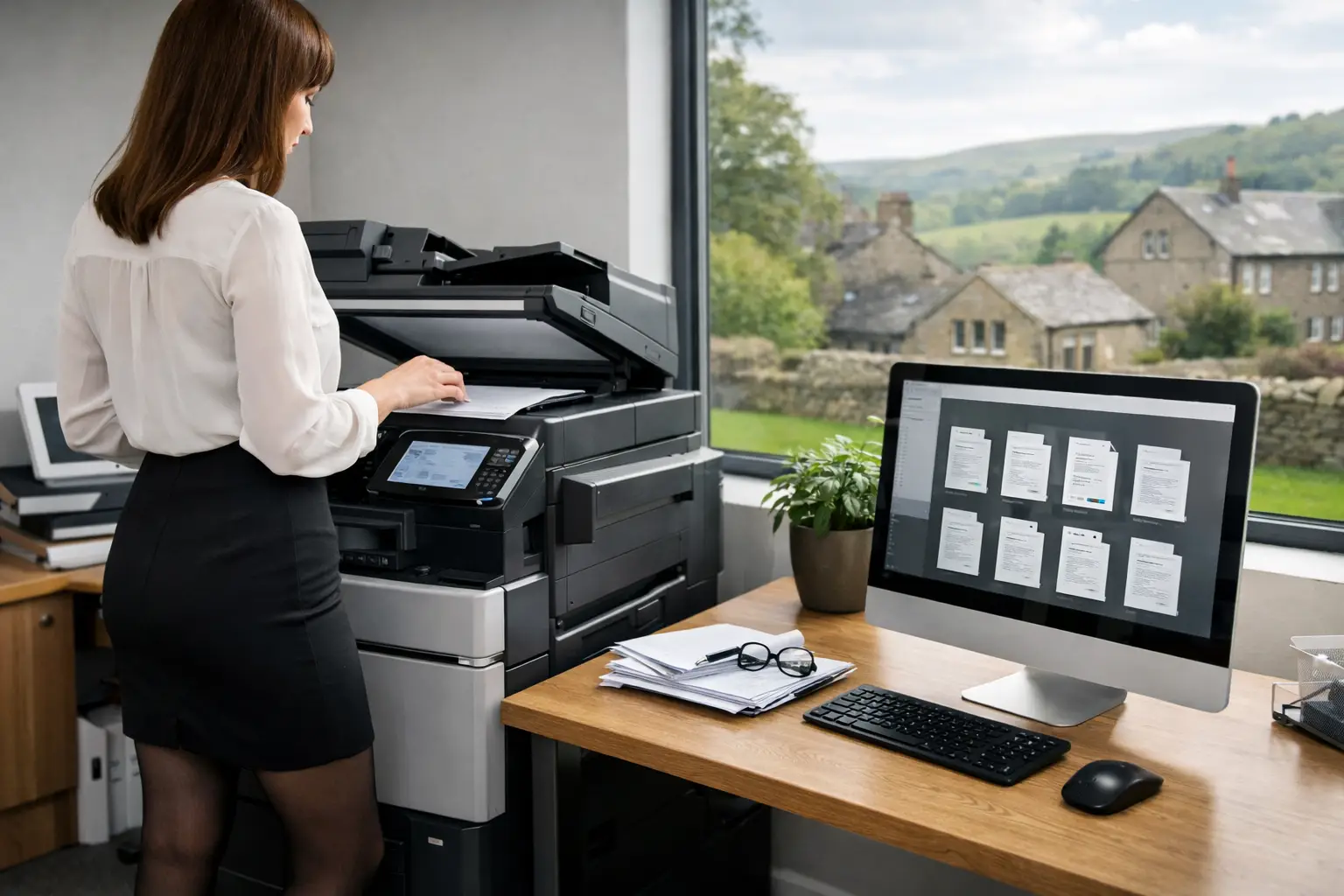
For example, an invoice can be scanned at a multifunction device and sent directly into an accounts workflow. Optical character recognition can capture core fields such as supplier name, invoice number, date and purchase order reference. The system can then route the document to the appropriate budget holder, notify them of the action required and retain an audit trail once approved. Finance staff spend less time rekeying data or searching for paperwork, while managers can see what is waiting for them.
The same principle applies outside finance. A service engineer may scan a completed job sheet from a site device or submit it through a mobile-enabled process. It can be indexed against a customer or job number, checked for missing information and passed to the relevant team without relying on a physical post tray.
Decide the route before deploying it. Each workflow should define:
- the capture point, whether that is a device, email inbox, desktop folder or mobile process
- the information required to classify the document
- the storage location and retention rules
- the people responsible for review, approval or exception handling
- the point at which the process is complete
This structure is particularly valuable where staff work across sites, work remotely or cover colleagues during absence. It removes the need to know where a file is physically kept or whose desk it may be sitting on.
Choose capture that fits the working environment
Document capture needs to be easy enough for staff to use consistently. If scanning requires several manual steps, users will take shortcuts, save files locally or continue to rely on paper. A properly configured multifunction device can present simple scan options such as “Invoices”, “HR”, “Client Records” or “Job Sheets”, sending documents to the correct workflow with minimal intervention.
That convenience must be balanced with control. Shared scan-to-email addresses can be useful for low-risk documents, but they are rarely the best answer for sensitive or high-volume workflows. They can create poorly named attachments, limited audit information and uncertainty over whether a document was processed. Direct integration with document workflow software provides more reliable routing and visibility.
For organisations handling mixed document sizes, supplier paperwork or archive material, device capability also matters. Automatic document feeders, duplex scanning, image quality settings and reliable handling of batches can determine whether the process saves time in practice. A fleet assessment should consider where documents enter the business, not only where printing occurs.
Build security into the process from day one
Digitisation can reduce the security weaknesses associated with unattended paperwork, open filing cabinets and documents left on printers. It also introduces responsibilities around access, storage and transmission. The right controls depend on the sensitivity of the information and the way teams work.
Start with user authentication at devices. Requiring a card, PIN or secure sign-in ensures that scan functions are linked to an identifiable user and helps prevent unauthorised access to device features. Role-based access should then determine who can view, amend, approve or export documents once they are stored.
Protect information while it is moving and when it is held. This includes secure device configuration, encrypted transmission where appropriate, controlled cloud storage and sensible retention policies. Records should not remain indefinitely simply because digital storage is available. Equally, deleting documents too soon can create operational and compliance problems.
Approval records are a further advantage of a well-designed digital workflow. Instead of trying to establish who signed a paper copy and when, authorised users can review the recorded history. That provides useful accountability for internal controls, audits and disputes.
Integrate with the systems people already use
A document workflow delivers more value when it supports existing business systems rather than becoming another isolated destination. Finance documents may need to relate to accounting software. HR records may need a controlled personnel file. Customer documents may need to be associated with a CRM or case-management record.
Integration should be proportionate. A simple process may only require reliable file naming, indexing and storage in a controlled location. A high-volume or business-critical process may justify data capture, automated validation and hand-off to line-of-business software. The key question is whether the integration removes a genuine manual step without making the process harder to maintain.
It is also sensible to account for exceptions. An invoice with no purchase order, an incomplete form or a scan that cannot be read should not disappear into a queue. It needs a clear route to a person who can resolve the issue. Automation is most useful when it makes exceptions visible rather than hiding them.
Plan adoption as carefully as the technology
The most capable workflow platform will not deliver results if staff do not understand why it has changed or how to use it. Explain the practical benefit for each group: fewer manual entries for finance, faster access to records for operations, clearer approvals for managers and less time spent filing for administrative teams.
Training should happen at the point of use. A short, role-specific session at the device or within the software is often more effective than a broad technical presentation. Keep scan buttons, naming conventions and approval actions consistent across locations wherever possible.
Measure adoption after launch. Look for documents still being printed to obtain a signature, files saved to personal drives, items held in email inboxes and workflows that regularly require manual correction. These are not necessarily signs that the project has failed. They show where the process needs refinement or where a team needs additional support.
A managed workplace technology partner can help connect these elements: suitable multifunction devices, secure print and scan controls, workflow software, monitoring and user support. For organisations across Yorkshire and Northern Lincolnshire, HAD-COPY can assess the existing document environment and help build a change plan around real operational priorities.
Measure the operational improvement
A digitisation project should be judged by more than the number of pages scanned. Track how long documents take to reach the right person, how many need to be chased, how often information is entered twice and how quickly staff can retrieve a record when a customer, auditor or colleague asks for it.
You may also see reductions in avoidable printing, physical storage and time spent maintaining paper archives. However, savings will vary. A low-volume process with complex judgement may benefit mainly from better visibility, while a high-volume, rules-based process may offer greater potential for automated routing and data capture.
Review the workflow periodically as roles, systems and compliance requirements change. Digital processes should not become fixed versions of inefficient paper routines. They should remain useful working tools that reflect how the organisation operates.
The best first step is usually modest: choose one paper-heavy process, assign an owner and make its path from capture to completion clear. Once colleagues can see a document move securely, quickly and visibly through the business, replacing the next paper bottleneck becomes a far more practical decision.


