
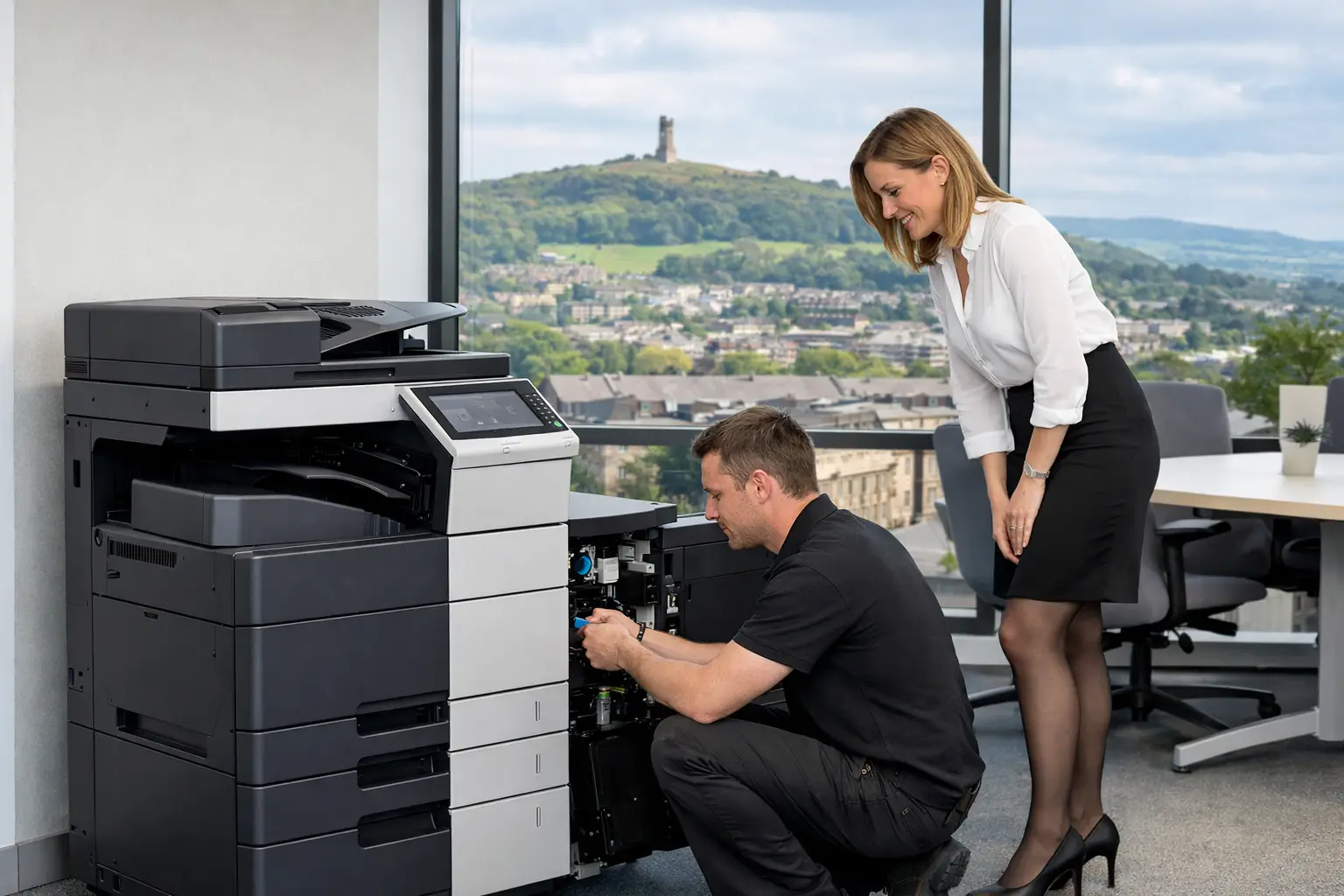
A copier failure at 8.45am rarely affects just one person. It can delay invoices, interrupt customer paperwork, leave a team unable to scan records and create an avoidable queue at reception. When assessing Huddersfield copier support options, the useful question is not simply who can repair a machine. It is who can keep the wider print and document environment controlled, secure and workable when pressures build.
For many organisations, printing has developed gradually: a multifunction device in the main office, desktop printers added for convenience, separate supply arrangements and no clear view of what is being printed, by whom or at what volume. Support then becomes reactive. A device goes down, someone calls a number, and the underlying causes - unsuitable equipment, poor settings, weak user access controls or a lack of monitoring - remain.
The right support arrangement should fit the role print plays in your organisation. A small office with one central multifunctional device has different needs from a school, legal practice, manufacturing site or multi-location business handling confidential documents every day.
What good copier support should cover
Break-fix maintenance is still a valid option where print volumes are low, devices are straightforward and internal staff can manage routine administration. Under this model, an engineer attends when there is a fault, and the organisation takes responsibility for toner ordering, meter readings, device configuration and user issues. It can suit a stable, lightly used environment, but it offers limited protection against disruption and gives little ongoing insight into waste or security.
A maintenance agreement provides a more structured level of cover. It should define how faults are reported, what is included in routine servicing, how consumables are managed and what response arrangements apply. For office managers, this removes much of the uncertainty that comes with keeping a device operational. For IT teams, it creates a clearer route for escalation rather than relying on informal workarounds.
Managed print support extends further. It treats devices, printing behaviour, consumables, security and reporting as connected parts of one service. Remote monitoring can identify low toner, warnings and developing faults before users are affected. Usage data shows whether a device is being overworked, underused or used for the wrong type of work. This is particularly valuable where several printers have accumulated over time and no one owns the fleet as a whole.
The most appropriate approach depends on the organisation, not a fixed package. An engineering firm may need dependable large-format or high-volume output. A professional services firm may prioritise secure release printing and scan-to-workflow processes. A busy admin team may simply need fewer interruptions and a single accountable support contact.
Huddersfield copier support options to compare
When comparing providers, look beyond the machine specification or the promise of an engineer visit. Day-to-day experience is shaped by the service model behind the equipment.
Local maintenance and responsive engineering
Local coverage matters when a device supports critical operational work. A provider with engineers who understand the area and can take practical ownership of a fault is often more useful than a distant support desk working from a generic script. Ask how calls are triaged, whether remote diagnostics are used before a visit, and how the provider handles recurring issues rather than repeatedly treating the symptom.
A capable engineer should do more than replace a part. They should be able to identify whether the issue stems from paper choice, network configuration, user settings, excessive workload or the device itself. That distinction prevents the same callout becoming a regular event.
Remote monitoring and consumables management
Running out of toner is a small failure with a disproportionate impact. It is also usually preventable. Connected devices can report toner levels, service alerts and usage information automatically, allowing supplies and maintenance to be planned around real need.
Remote monitoring is not a substitute for engineering support. It is the layer that helps reduce avoidable calls and gives both the provider and the customer a more accurate picture of device health. It can also reduce administrative tasks for office teams that would otherwise spend time checking meters, ordering cartridges and chasing deliveries.
Managed print for fleet control
Where there are multiple devices, managed print can bring order to a fragmented estate. The process should begin with an assessment of device locations, print volumes, document types and user requirements. The aim is not always to reduce the number of machines. Sometimes a local printer is justified by workflow, accessibility or operational continuity. The aim is to ensure each device has a clear purpose.
From there, reporting can reveal high-cost print habits, unnecessary colour output, duplicate devices and departments with unusually high volumes. Rules such as default duplex printing, sensible colour permissions and secure print release can be introduced without making everyday work difficult. Good management balances control with usability. Restricting everyone too heavily may drive people towards unmanaged alternatives.
Security and cloud print support
Copiers and multifunction devices sit on the network, store information temporarily and often scan documents into shared locations or email. They should be managed as part of the organisation's IT estate, not treated as standalone office equipment.
Support should include appropriate device configuration, user authentication, secure print release, firmware management and controlled scan destinations. For organisations with hybrid workers or more than one site, cloud print platforms can simplify access and reduce the reliance on a local print server. They can also give IT teams clearer oversight of who can print, from where and to which device.
The trade-off is that cloud-enabled printing needs proper planning. Identity systems, network access, document retention and user training all need consideration. A provider should work with internal IT rather than imposing a generic setup that creates fresh support tickets.
Workflow and scanning support
Many copier support conversations focus on printing, while the bigger opportunity is often in document handling. A multifunction device can capture paperwork at the point it enters the business, then route it to the right folder, team or business system. Invoice processing, HR forms, delivery documentation and customer records are common examples.
This only works when scanning is designed around the real process. Sending every scan to a shared inbox may be faster than photocopying, but it can still create a manual backlog. Document workflow software, automated naming, indexing and routing can reduce handling time and make records easier to retrieve. Start with a process that causes repeated frustration, rather than attempting to digitise every paper process at once.
Questions to ask before choosing support
A provider should be able to explain its service in operational terms, not just technical ones. Ask who takes responsibility for a fault from first report to resolution, how users request help, what remote monitoring is included, and how device performance is reviewed over time.
It is also sensible to ask how support handles changes. Businesses move offices, add staff, adopt new cloud services and alter document processes. A copier arrangement that works on day one can become unsuitable within a year if there is no review process. Regular conversations about fleet usage, security settings and workflow needs help prevent a once-sensible deployment becoming another unmanaged cost.
For organisations considering refurbished equipment, support capability is especially important. A refurbished device can be a practical circular-economy choice when it has been properly prepared, matched to the expected workload and backed by ongoing maintenance. It is not the right answer for every high-volume or specialist requirement, but it can be a sound option where reliability, sustainability and sensible lifecycle planning are all priorities.
Building a support arrangement that people will use
The best technical setup can still disappoint if staff do not know how to use it. Short, targeted training makes a difference: how to release secure jobs, scan to approved locations, select the correct finishing options and report faults with useful detail. This is not about turning every employee into a print specialist. It is about removing the everyday friction that leads to wasted paper, repeat jobs and calls to IT.
Clear ownership matters too. Employees need to know whether to contact an internal team, a service desk or the provider directly. IT needs visibility of network and security matters. Finance and procurement need credible reporting to support decisions. A good partner brings these interests together rather than forcing each department to manage a separate part of the same environment.
HAD-COPY supports organisations across Huddersfield and the wider region with this joined-up approach: devices, managed print, security, workflow tools and practical service accountability. The value is not in adding technology for its own sake. It is in creating a print environment that places fewer demands on office and IT teams.
The most helpful next step is to look at where printing currently interrupts work. A recurring device fault, a pile of unprocessed scans or an unexplained rise in output can reveal far more than a device list ever will. Start there, and the right support option becomes easier to identify.


