
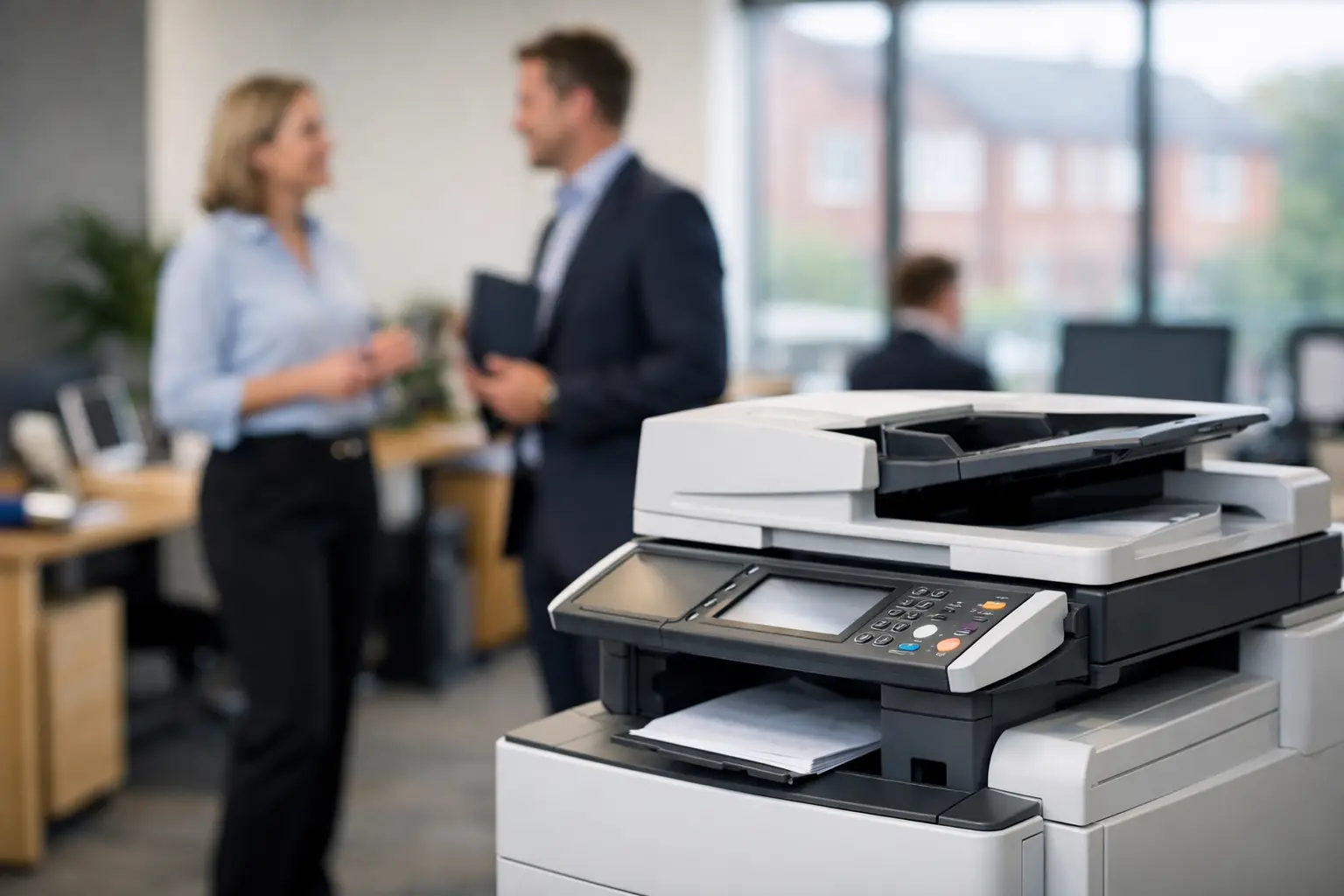
A copier that repeatedly jams at month-end, runs out of toner before a proposal deadline or leaves confidential papers on an output tray is more than an office irritation. It creates avoidable cost, delay and risk. A photocopier lease for office use can give an organisation access to the right equipment and support without tying up capital, but only when the agreement reflects how people actually print, scan and share documents.
For most organisations, the question is not simply whether to lease or buy. It is whether the proposed device, service model and contract terms will give the business better control over its document environment for the next three to five years. That requires looking beyond the monthly figure.
What a photocopier lease for office use should provide
A lease typically spreads the cost of equipment over an agreed period, often alongside a service arrangement covering maintenance, toner supply and call-outs. This can make budgeting easier, particularly for businesses replacing ageing devices or standardising a mixed fleet of desktop printers and multifunction machines.
The strongest arrangements do more than place a photocopier in a corner. They provide a managed workplace tool: print, copy and scan functions sized for the workload; monitoring to identify faults and toner requirements early; practical user support; and reporting that shows where volume and expenditure are going.
That distinction matters. A low lease payment for an unsuitable machine can soon be outweighed by slow operation, excessive click charges, frequent service calls or staff using local printers because the central device is inconvenient. Equally, an oversized production-level device may be difficult to justify in a small office with modest monthly volumes.
Start with the work, not the machine
Before comparing equipment, establish how documents move through the organisation. Finance teams may need to scan supplier invoices into an approval process. HR may handle sensitive personnel records. Site teams may need mobile printing, while customer-facing departments may require dependable colour output for proposals, plans or training packs.
Monthly print volume is a useful starting point, but it is not enough on its own. Consider peak periods, paper sizes, colour use, finishing needs, scanning volumes and the number of people who will share each device. A machine handling 5,000 pages a month in steady use faces a different demand from one that handles the same total in a concentrated month-end rush.
A proper assessment should also reveal hidden print behaviour. Desktop printers are often retained for convenience, but they can create fragmented consumables purchasing, inconsistent print quality and limited visibility of usage. In some cases, retaining a small number is sensible. In others, consolidating onto secure shared multifunction devices reduces both cost and administration.
Compare the full cost, not just the lease payment
A lease can provide predictable monthly expenditure, which is valuable for finance planning. Yet predictable does not automatically mean economical. Ask for a clear breakdown of every charge, including the equipment rental, mono and colour print rates, minimum volumes, delivery, installation, service cover and any fees that apply at the end of the agreement.
Pay particular attention to colour printing. Colour pages are usually charged at a higher rate, and a document with a small coloured logo may still count as a colour print. Reporting and sensible print rules can help reduce unnecessary colour output without preventing teams from producing material that genuinely needs it.
It is also worth checking how the agreement handles changes in demand. A growing business may need another device, higher scan capacity or additional cloud printing users. A business reducing office space may need to consolidate. The right provider will explain the options and commercial consequences rather than treating the original specification as fixed regardless of changing circumstances.
Questions worth asking before signing
Ask how service response is measured, whether remote monitoring is included, what is covered by the service agreement and how toner replenishment works. Clarify whether print volumes are pooled across devices or charged individually, and establish what happens if usage regularly exceeds the original estimate.
Also ask who owns responsibility for installation, network configuration, driver deployment and user training. These are often the difference between a device being available and it being properly adopted. An office manager should not have to become the unofficial print engineer every time a new starter needs scanning configured.
Security is part of the lease decision
A modern multifunction device is a network-connected computer that happens to print. It can store documents temporarily, send scans to email or cloud services, connect to internal systems and be accessed by multiple users. That makes it part of the organisation's wider security position.
For many offices, secure print release is one of the most practical improvements. Users send a job, then release it at the device using a PIN, card or mobile authentication. Documents do not sit unattended in output trays, and forgotten print jobs are reduced. This is particularly relevant for legal, financial, education, healthcare and HR documentation, but it is useful wherever confidential information is handled.
The lease specification should cover the protections needed for the environment. This may include user authentication, encrypted data, secure scan destinations, address-book controls, device hard-drive management, firmware updates and an agreed approach to removing data when equipment is replaced. IT teams will also want clarity on network requirements, cloud print compatibility and who is responsible for ongoing configuration.
Security should not be an expensive add-on introduced after deployment. It is far easier to build it into the chosen device and workflow from the beginning.
Choose service support that matches the operational risk
Office printing is rarely a strategic priority until it stops working. A broken device can delay payroll packs, tender submissions, customer correspondence and shipping paperwork. The service arrangement therefore deserves the same scrutiny as the machine itself.
Local support can be particularly valuable when a fault needs physical attention rather than remote diagnosis. For organisations across Yorkshire and Northern Lincolnshire, a provider with nearby engineers and clear escalation routes can offer more practical reassurance than a distant helpdesk with no knowledge of the site.
Look for proactive monitoring where possible. It enables faults, meter readings and toner levels to be identified before users are affected. However, monitoring is not a substitute for accountability. There should be one clear point of contact that can coordinate the device, service, software and consumables rather than asking the customer to manage separate suppliers.
HAD-COPY approaches this as a managed print environment, combining independent device advice with deployment, monitoring, user support and document workflow options. That joined-up approach is useful where a lease is only one part of a wider effort to reduce print spend and remove manual processes.
Do not overlook refurbished equipment
A lease does not always have to mean brand-new equipment. High-quality refurbished multifunction devices can be a credible option for organisations with controlled budgets, secondary locations or lower-volume requirements. The benefit is lower capital and environmental impact, provided the device has been thoroughly inspected, reconditioned and supplied with dependable service cover.
The trade-off is that the newest features, speed and long-term manufacturer availability may not match a current model. It is therefore best assessed against the role the device will play. A refurbished machine may be ideal for a satellite office, while a busy central hub may justify a newer model with higher capacity, advanced scanning and stronger security features.
Plan the end of the agreement from day one
End-of-term arrangements are often where misunderstandings arise. Confirm the lease length, notice period, renewal options, return process and any collection or restoration charges before committing. Do not assume the device automatically becomes the organisation's property once payments have ended.
Keep a record of device serial numbers, agreed volumes and service history throughout the contract. Review usage before the term expires, ideally several months in advance. This gives the business time to decide whether to retain the current arrangement, refresh devices, reduce the fleet or introduce software that removes unnecessary printing altogether.
The best photocopier lease is not the one with the smallest headline payment. It is the one that gives people reliable access to documents, gives IT confidence in security, gives finance visibility of spending and gives the business a support partner prepared to take responsibility when the office is under pressure.


