
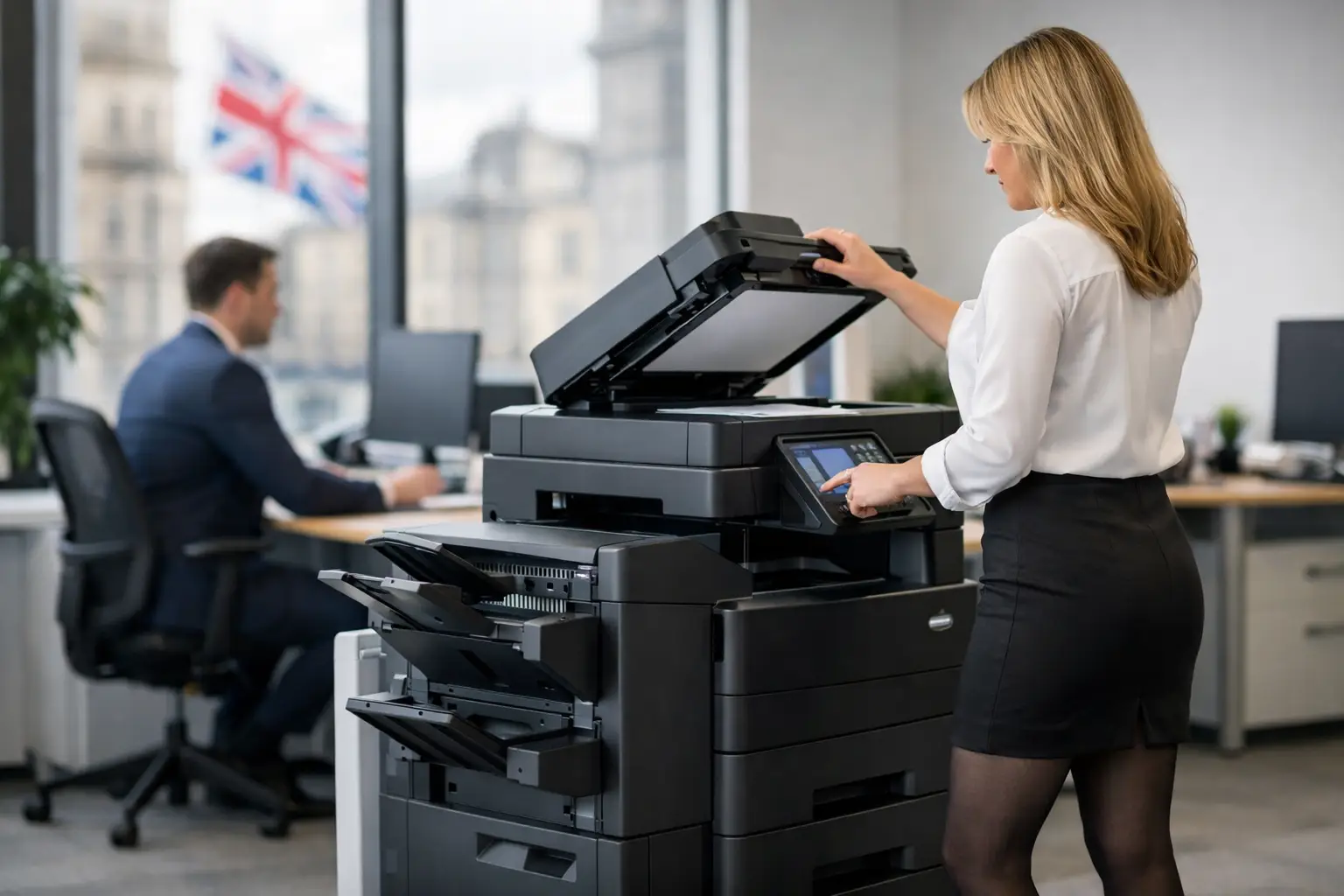
A multifunction printer that stops scanning at month-end, sends jobs to the wrong tray or cannot authenticate staff is more than a minor office irritation. It can delay invoices, hold up customer paperwork and create an avoidable queue for IT. Effective Konica Minolta support should restore the immediate service quickly, but it should also prevent the same disruption becoming a familiar part of the working week.
For organisations relying on Konica Minolta devices across busy offices, schools, professional services firms or multi-site operations, support needs to cover much more than toner and break-fix visits. The real requirement is control: clear ownership, reliable devices, secure document handling and useful information about what the fleet is costing.
What good Konica Minolta support should cover
A printer fleet is a small but significant part of workplace infrastructure. Devices sit on the network, process confidential information, require user access and depend on supplies arriving before they run out. When support is fragmented between a hardware supplier, an IT provider and an ad-hoc repair service, simple faults can take longer to resolve because nobody owns the whole picture.
A properly managed support arrangement brings together remote monitoring, preventative maintenance, consumables management and access to trained engineers. It also considers the configuration behind the device: print drivers, scan-to-email settings, address books, secure release rules and cloud print access. A machine may be mechanically sound but still unusable if its scan destination has changed or an email security update has interrupted delivery.
The right level of service depends on the environment. A small office with one multifunction device may need predictable supplies and prompt remote help. A finance team processing time-sensitive documents, or a school with high-volume printing, may require faster on-site response, spare-device planning and closer monitoring. The aim is not to buy the most extensive contract by default. It is to match support to the operational cost of downtime.
Start with the cause, not just the fault
When a device displays an error code, the immediate priority is clear. Yet repeated calls about paper jams, poor print quality or unavailable scanning often point to an underlying issue. It could be unsuitable paper stock, a worn component, a network configuration problem or a device positioned in an area where demand consistently exceeds its capacity.
This is where experienced support makes a measurable difference. An engineer can fix the incident, but the wider service should identify patterns through usage data and service history. If one device repeatedly produces colour jobs that could be printed in mono, if another is overloaded while a nearby device is underused, or if staff keep printing sensitive material without secure release, the problem is operational rather than purely technical.
A fleet review can turn those observations into practical changes. That might mean adjusting print rules, relocating a device, revising default settings or replacing an ageing unit with a more suitable refurbished alternative. Each option has a different cost and benefit, which is why independent advice matters. A replacement is not always the answer when a configuration change or planned maintenance visit will solve the issue.
Security belongs in the support conversation
Multifunction devices are often overlooked in cyber security discussions, despite handling payroll information, contracts, HR records and customer data. They store data temporarily, connect to internal networks and can send documents to email addresses, shared folders or cloud services. Leaving them unmanaged creates an unnecessary exposure.
Konica Minolta support should therefore include practical device security. User authentication can ensure that only approved employees release work and can attribute print activity to the right department or cost centre. Secure pull printing prevents confidential documents sitting in an output tray. Encrypted communications, controlled administrator access and prompt firmware updates help protect the device itself.
Scanning requires similar attention. Scan-to-email is convenient, but it should be configured around current email security policies and approved sender settings. Scan-to-folder needs appropriate permissions, while cloud destinations should reflect the organisation's wider access controls. These settings are not a one-off installation task. They need checking when email platforms, passwords, staff roles or security requirements change.
For IT teams, the value is visibility without another system becoming a daily burden. Central monitoring can flag low consumables, service alerts and unusual device behaviour before users start raising tickets. For office and facilities managers, it means fewer manual checks and a clear route for resolving problems.
Reduce print costs without making work harder
Cost control is often the reason organisations first review their print arrangements. The obvious costs are leases, consumables and service charges, but they are not the whole picture. Unnecessary colour printing, multiple underused desktop printers, emergency toner orders and time spent chasing faults all add to the real cost of print.
Support data helps make those costs visible. It can show volume by device, department, colour versus mono usage and periods of peak demand. That information supports better decisions about device numbers, print rules and whether workloads are being sent to the most economical equipment.
There are trade-offs. Restricting colour printing too tightly can frustrate customer-facing teams that genuinely need high-quality output. Consolidating devices may lower maintenance costs but create congestion if staff have to walk too far or wait at busy times. The best approach balances control with the way people actually work, rather than imposing rules that are quickly ignored.
A managed print arrangement can also provide greater predictability. Instead of reacting to individual toner purchases and unexpected repairs, organisations can plan around a defined service model with monitoring and agreed responsibilities. Finance teams gain clearer reporting, while operations teams gain fewer interruptions.
Keep users productive, not dependent on workarounds
A technically capable device only improves productivity if people know how to use the features that matter. Many organisations use expensive multifunction equipment as little more than a basic printer because scanning workflows, secure release and document automation were never properly introduced.
Targeted user training changes that. A short session for reception staff might focus on scanning to the right shared location and handling visitor documents securely. Accounts staff may benefit from faster methods for scanning invoices into a document workflow. IT administrators may need confidence in managing permissions, driver deployment and escalation routes. Training should reflect real roles, not a generic demonstration of every menu option.
It is equally important to make help easy to access. Users should know what simple checks they can make, when to contact support and what information helps diagnose an issue quickly. Clear ownership prevents staff from trying unsuitable fixes, bypassing security controls or sending sensitive documents through unapproved channels simply because the usual scan process has failed.
Plan for the full lifecycle of your fleet
Every device has a point where repair costs, reliability and energy use should be weighed against replacement. That decision should be based on actual performance, not solely on age. A well-maintained machine may remain a sensible choice, while another unit may be causing repeated disruption long before it reaches the end of its expected life.
Lifecycle planning should include new and refurbished options, especially where budgets and sustainability targets both matter. Professionally refurbished equipment can be a sound choice for suitable workloads, provided it is fully assessed, configured and backed by dependable ongoing service. It is not simply the cheaper option; it can be a practical way to extend the value of workplace technology while reducing unnecessary waste.
For organisations across York, Selby, Huddersfield, Yorkshire and Northern Lincolnshire, local engineering coverage can be particularly valuable when a critical device needs hands-on attention. Remote diagnostics resolve many issues, but a responsive on-site visit still matters when production stops, a component fails or a network change requires physical intervention.
Choosing a support partner with accountability
Before committing to a support arrangement, ask who is responsible for the full service outcome. The answer should cover device maintenance, consumables, remote monitoring, user support, configuration changes and escalation. It should also be clear how performance is reviewed, how response expectations are set and what happens when the business grows, moves site or changes its document processes.
HAD-COPY approaches Konica Minolta environments as part of the wider workplace, combining device expertise with managed print, cloud platforms and document workflow support. That matters because print problems rarely sit in isolation. They affect security, IT workload, employee time and operating costs at the same time.
The most useful support arrangement is one that becomes less visible to users over time. Devices work when needed, documents reach the right destination, costs are understood and the organisation has a clear plan when its needs change. That is a better outcome than simply having someone to call when the printer stops.


