
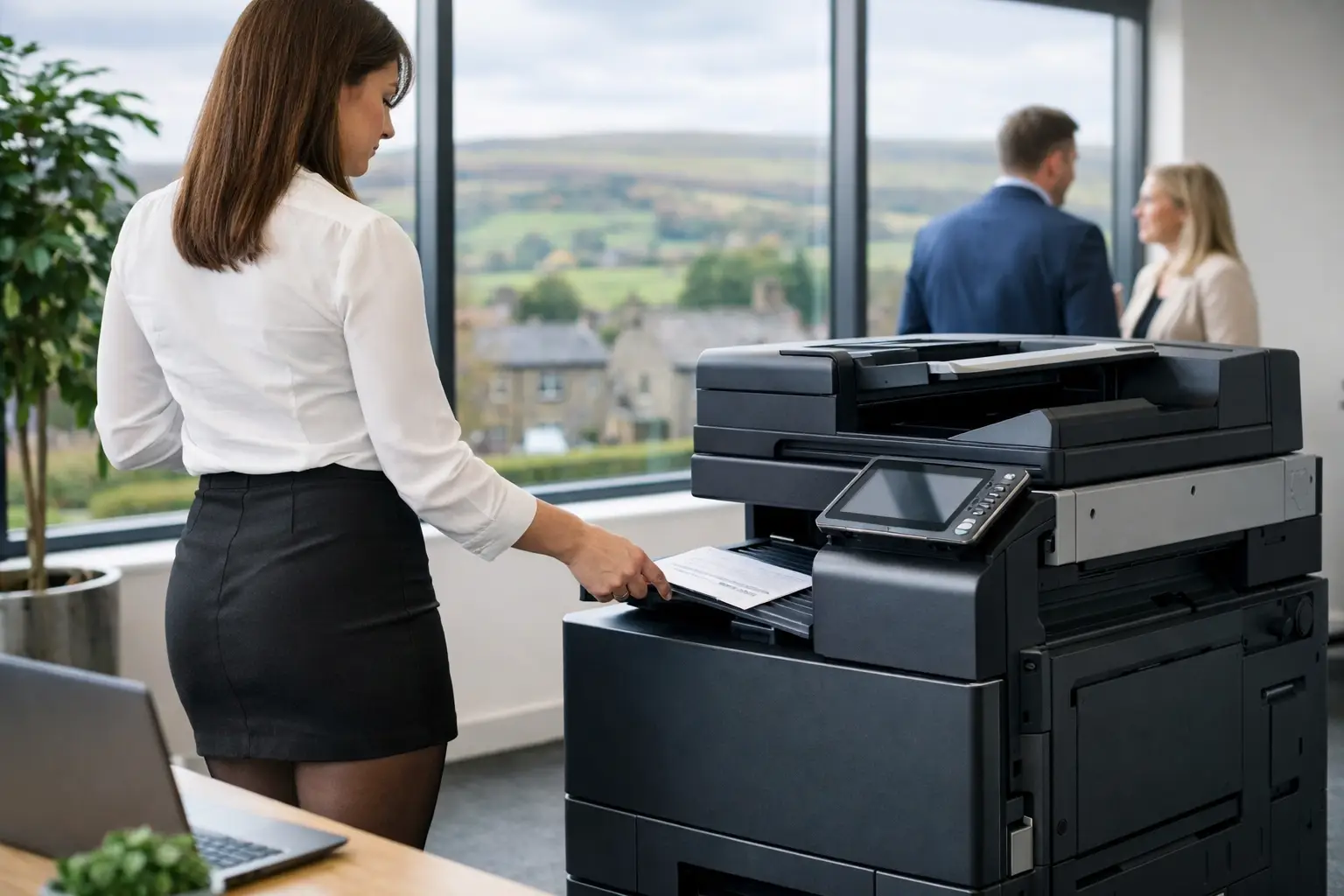
A credible office print sustainability strategy starts with the documents your people actually print, not a switch to recycled paper or a poster beside the copier. For most organisations, avoidable waste is created by poor visibility, oversized or poorly placed devices, unclaimed jobs, inefficient consumables use and paper-led processes that should have been digitised years ago. The opportunity is to reduce environmental impact while gaining tighter control of administration, security and day-to-day operating costs.
Start with a clear picture of print activity
Printing is often treated as a small office overhead until a device fails, toner runs out or several departments query their usage. That approach makes sustainability difficult to manage. An effective plan begins with a fleet and workflow assessment covering device numbers, locations, age, monthly volumes, print types, energy use and service history.
The aim is not to remove every printer. In a reception area, warehouse, school office or document-intensive team, local access may be essential to keep work moving. The question is whether each device has a defined operational purpose, is appropriately specified and is being used efficiently.
Usage data should also distinguish between colour and mono printing, single-sided and duplex output, and personal versus shared devices. These details reveal where practical improvements sit. A colour device used mainly for internal black-and-white drafts, for example, is unlikely to be the best use of equipment or consumables.
Set goals that teams can measure
Broad commitments to “print less” rarely change behaviour. Set a baseline first, then agree measures that can be reviewed monthly or quarterly. Useful measures include pages per employee, colour-page proportion, duplex adoption, unclaimed print volume, paper purchased, device energy consumption and the percentage of document processes completed digitally.
Targets should reflect the organisation rather than an arbitrary benchmark. A legal team handling signed case files and a logistics operation producing labels will have different needs from a professional services office. Progress may mean reducing unnecessary pages in one area, while replacing an ageing high-energy device in another.
Ownership matters as much as the figures. Facilities, IT, finance and departmental managers each see different parts of the problem. A named lead, supported by regular reporting, prevents sustainability from becoming an initiative that disappears once devices are installed.
Right-size the fleet before replacing hardware
A common mistake is to replace every old printer with a newer equivalent. More efficient hardware can help, but a like-for-like refresh may preserve the same duplication, underuse and support burden. Consolidating several desktop printers into secure multifunction devices can reduce energy draw, consumables stock and maintenance visits, provided the new locations remain convenient for users.
Look at capacity as well as quantity. An underpowered device in a busy department can create queues and encourage workarounds. Conversely, a production-capable device that spends most of its time idle uses more space and power than necessary. The right fleet balances volume, finishing requirements, scanning needs, security controls and resilience.
Refurbished equipment is also worth considering where it suits the application. A professionally prepared and supported device can extend the useful life of quality hardware, avoiding the environmental impact of unnecessary new manufacture. It is not automatically the answer: organisations with demanding integration, volume or efficiency requirements may be better served by newer equipment. The decision should be based on lifecycle fit, not a one-size-fits-all rule.
Make responsible printing the easiest option
Policies work best when the print environment supports them by default. Configure duplex printing and mono output as standard for routine work, while allowing authorised users to select colour or single-sided printing when the document genuinely needs it. A client-facing proposal, training material or colour-coded technical drawing may justify a different setting. The point is to make deliberate choices visible rather than restricting productive work.
Secure release, sometimes called pull printing, is one of the most practical changes an organisation can make. Users send a job to a managed queue and release it only after authenticating at a suitable device. Documents that are no longer needed are never printed, and sensitive pages are not left in output trays. This reduces waste while strengthening control over confidential information.
Clear, proportionate user guidance helps. Staff need to understand when digital sharing is preferable, which devices are intended for higher-volume work and how to scan documents into the right workflow. Training should be part of deployment and refreshed when new teams join or processes change. Technical settings alone cannot create lasting adoption.
Treat scanning as a workflow improvement, not a paper shortcut
Scanning paper into an inbox may remove a physical file, but it does not necessarily remove the manual work around it. A stronger sustainability strategy maps the document journey from arrival to approval, storage and retrieval. That may include invoice capture, searchable records, automated routing, digital forms and secure archiving.
Consider a supplier invoice that is printed, passed for approval, re-keyed into a finance system and then filed. Improving that process can reduce paper, but the larger benefit is fewer handovers, clearer audit trails and faster access to information. The same principle applies to HR onboarding, service reports, purchase requests and customer correspondence.
Not every process should be digitised at once. Start with high-volume, repetitive workflows where paper creates delays, errors or poor visibility. Involve the people who use the process daily. Their practical knowledge will identify exceptions that a purely technical project can miss.
Manage consumables and end-of-life responsibly
Toner and ink controls should be linked to real device usage, not based on cupboards full of supplies “just in case”. Managed monitoring can identify levels remotely and trigger replenishment at sensible points, reducing emergency orders, surplus stock and wasted cartridges when a device is retired.
End-of-life planning deserves the same attention. Devices hold components, plastics, metals and, in some cases, stored data. A responsible plan covers secure data removal, reuse where appropriate, parts recovery and compliant recycling. It should also account for paper collection points and any specialist media used by departments.
Environmental claims should be tested against evidence. A recycling scheme is useful only if collections, handling and reporting are clear. Likewise, paper choices should be evaluated alongside print settings and behaviour. Using responsibly sourced paper is positive, but it does not compensate for printing documents that nobody reads.
Use data to maintain momentum
The first assessment provides direction; ongoing reporting keeps the strategy honest. Monthly reports can show changing volumes by site, department or device, identify unusual colour use and flag equipment that no longer matches demand. For larger or multi-site organisations, cloud print management can provide consistent rules and visibility without turning print administration into a full-time task.
Reporting should prompt constructive conversations, not departmental blame. A sudden increase may reflect a legitimate project, regulatory requirement or new contract. Ask what changed before imposing restrictions. Where unnecessary use is identified, work with the team to improve templates, workflows or device settings.
This is where a managed print partner can add value beyond hardware supply. Independent assessment, monitoring, maintenance, user support and workflow expertise give organisations a route from good intentions to measurable improvement. HAD-COPY approaches print as part of the wider workplace technology environment, where security, uptime and document handling need to work together.
Build sustainability into procurement and support
Future device decisions should include environmental and operational criteria from the outset. Assess expected workload, repairability, energy efficiency, secure print capability, scan-to-workflow options, consumables arrangements and end-of-life routes. Selecting equipment solely on a short-term purchase decision can leave an organisation with years of avoidable waste and administrative friction.
Service continuity is part of the calculation. A neglected fleet causes users to turn to personal printers, duplicate jobs and informal workarounds. Responsive maintenance, proactive monitoring and accessible support protect the improvements a strategy is designed to deliver.
A good office print sustainability strategy is not about making printing difficult. It is about making every necessary page more purposeful, every device more accountable and every document process easier to manage. Begin with evidence, improve the highest-impact areas first, and keep reviewing the data as your organisation changes.


