
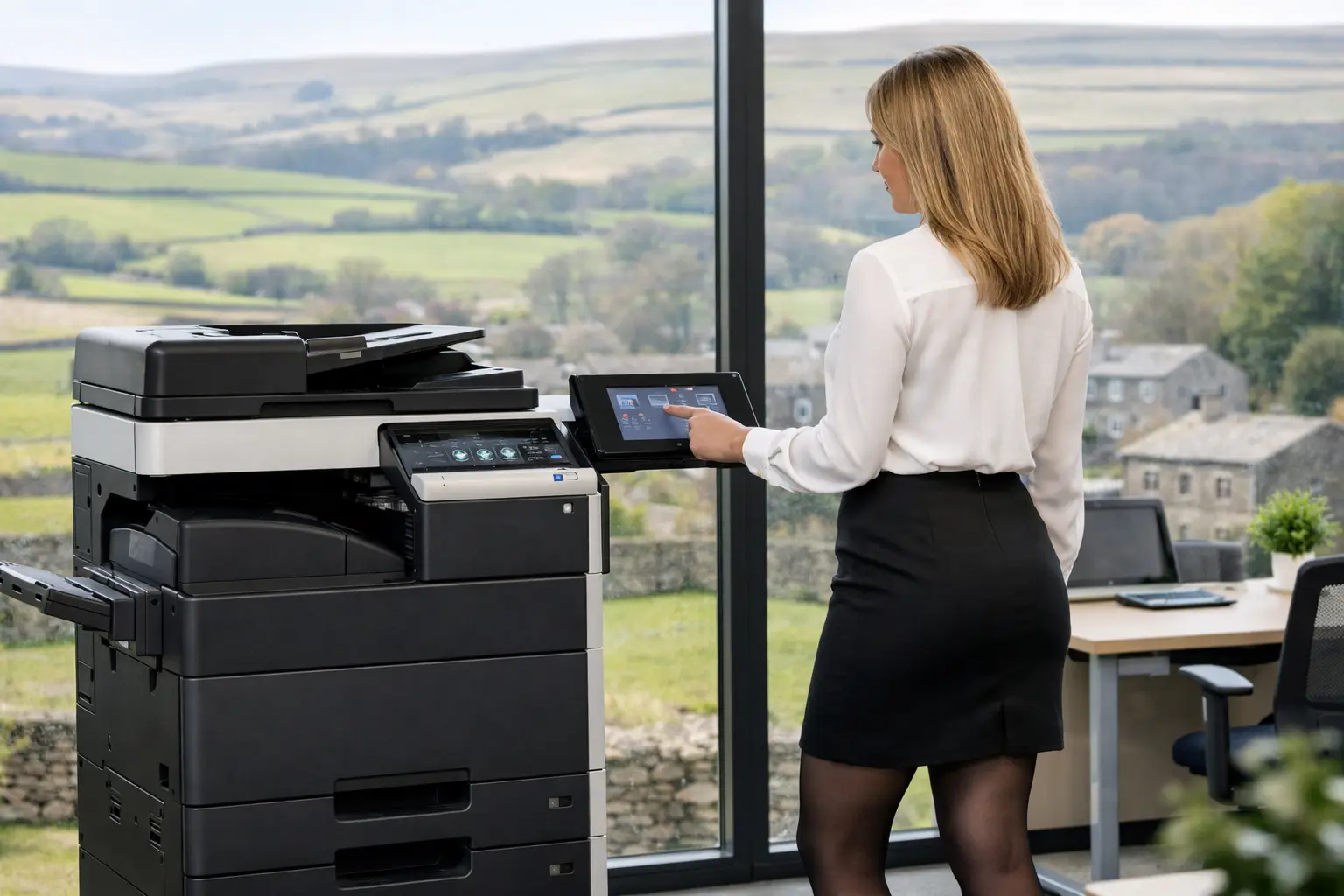
A printer estate rarely becomes difficult overnight. It usually grows one device at a time: a desktop printer for a particular team, an ageing multifunction device kept because it still works, a separate scanner for finance, and a service arrangement nobody has reviewed for years. Before long, office printers are creating avoidable calls to IT, uncertain print expenditure and gaps in document security.
For organisations that rely on contracts, invoices, patient records, education materials or operational paperwork, printing remains a business-critical service. The objective is not simply to buy a faster machine. It is to create a print environment that gives users dependable access while giving the organisation control over usage, security, support and document processes.
Why office printers need a joined-up approach
A device may appear to be a straightforward workplace purchase, but the experience around it is shaped by far more than print speed. Staff need to find the right device, send jobs from their usual applications, scan documents to the correct destination and get help quickly when something goes wrong. IT teams need secure configuration, visibility of devices and confidence that sensitive documents are not left unattended. Finance and operations teams need clear reporting and fewer surprises.
These requirements often expose the limits of buying printers as isolated items. A low-volume device in every room can feel convenient, for example, but it can increase consumables administration, maintenance demands and the risk of documents sitting in output trays. Equally, reducing a fleet too aggressively can create queues and frustration at peak times.
The right answer depends on how people work, where they work and what they print. A considered print strategy balances convenience with control rather than treating either as the only priority.
Start with the work, not the specification
The most useful fleet assessment begins with the organisation's daily document activity. This reveals whether existing devices are in the wrong locations, whether paper workflows could be improved, and which technical requirements genuinely matter.
Map volumes, formats and peak demand
Print volume is a starting point, but it is not enough on its own. A team producing a steady flow of black-and-white reports has different needs from a marketing department producing colour client packs, or an accounts function processing time-sensitive supplier documents. Look at average monthly volumes alongside busy periods, paper sizes, finishing needs and colour use.
This avoids two common mistakes: specifying a device that is underpowered for its workload, or installing capacity that is rarely used. It also helps determine where a multifunction device can replace separate printers, copiers and scanners without compromising user access.
Follow the document from start to finish
Scanning is frequently where a print environment either saves time or adds more manual work. Consider what happens after a paper document reaches the device. Does a user scan it to their own inbox, rename it manually and forward it to a colleague? Or can it be routed to a shared folder, business system or document workflow with consistent file names and searchable information?
For invoice processing, HR records, customer correspondence and compliance documents, this distinction matters. Workflow software can capture information, route documents for approval and create an auditable process. The printer is then part of a controlled document operation, not merely the final output point.
Identify who needs access and from where
Hybrid working has changed expectations around print. Users may need to submit a job from a laptop, release it at another site, or print without installing a complex driver. Cloud print platforms can make access easier to administer, particularly across multiple locations, while reducing dependence on local print servers.
That does not mean every organisation should move every print function to the cloud. Existing applications, network design and sector requirements should all be assessed. What matters is selecting an approach that supports staff without creating unnecessary complexity for IT.
Build security into the print environment
Printers and multifunction devices handle information that would not be left unprotected on a desk or shared openly by email. Yet they are sometimes overlooked in wider security planning. A modern device can store job data, connect to the network, scan to external destinations and be accessed by multiple users. It needs the same practical attention as other connected workplace technology.
Secure print release is one of the most visible improvements. Instead of printing immediately, a job is held until the user authenticates at a device with a card, PIN or approved method. This reduces abandoned printouts and means confidential material is only released when the recipient is present.
The wider controls matter too. Device settings should be managed consistently; default passwords should not remain in place; unused services should be removed; and firmware should be maintained. Scan destinations need appropriate permissions, while reporting should show who is using the fleet and how. For IT teams, remote monitoring and central management make these standards far easier to sustain across every device.
Choose office printers as part of a wider stack
A well-designed estate normally combines devices, management software and ongoing support. Each element has a different role.
Multifunction devices are often the practical centre of the fleet, bringing print, copy, scan and optional finishing together in shared work areas. Desktop printers still have a place where a role requires immediate output, a specialist media type or a genuinely isolated location. Production print equipment may be appropriate for organisations with sustained high-volume work that would otherwise disrupt general office devices.
The hardware decision should also consider usability. A capable device will deliver limited value if staff cannot find straightforward scan options, use their preferred authentication method or understand where to obtain help. User training, sensible defaults and clear device placement are operational details that directly affect adoption.
Print management software provides the control layer. It can apply rules such as directing large jobs to the most suitable device, encouraging double-sided output, holding jobs for secure release and reporting on usage by department or user group. These measures help reduce waste without relying on repeated reminders to staff.
Workflow tools extend that benefit beyond paper reduction. They can automate recurring document tasks, improve the accuracy of captured data and keep documents moving through defined approval routes. This is particularly valuable where teams are managing high volumes of forms, purchase documents or correspondence.
Treat support and lifecycle management as essential
A print estate is only as dependable as the support behind it. When a device stops working, the impact is immediate: reception cannot produce visitor packs, finance cannot process paperwork, or a team must move work elsewhere. Reactive fixes are necessary, but they should not be the whole service model.
Managed support combines monitoring, maintenance, consumables management and a clear route for users to get assistance. Monitoring can identify errors or low supplies before they become a disruption. Usage data can show when a device is regularly overloaded, underused or no longer appropriate for its location. That gives operations teams evidence for decisions instead of relying on anecdote.
Lifecycle planning is equally useful. Devices do not all need replacing at the same time, and a refurbished option can be a sensible choice where requirements are well understood. Carefully selected refurbished equipment supports circular-economy objectives while maintaining the features and service continuity an organisation needs. The decision should be based on workload, compatibility, security requirements and expected lifespan, not simply the age of the machine.
For organisations across Yorkshire and Northern Lincolnshire, responsive local support can make a meaningful difference when a workplace issue needs attention. HAD-COPY approaches this as an ongoing responsibility: assessing the estate, supplying and configuring the technology, supporting users and reviewing performance as needs change.
Questions worth answering before making a change
Before replacing devices or renewing a service arrangement, decision-makers should be able to answer a few practical questions. Which documents are most critical to daily operations? Where do print and scan delays occur? Which users need confidential output? What reporting is needed by IT, finance and operations? And which paper processes are candidates for automation rather than a like-for-like device replacement?
It is also worth involving the people who use the devices every day. Their feedback will highlight issues that volume reports cannot show, such as an inconvenient location, confusing scan steps or regular queues at a particular time. Combining this experience with fleet data leads to more useful decisions.
The strongest print environments are not necessarily the ones with the newest devices in every corner. They are the ones where office printers, document workflows, security controls and support arrangements work together quietly, giving people the tools they need while the organisation keeps a firm grip on the operation behind them.


