
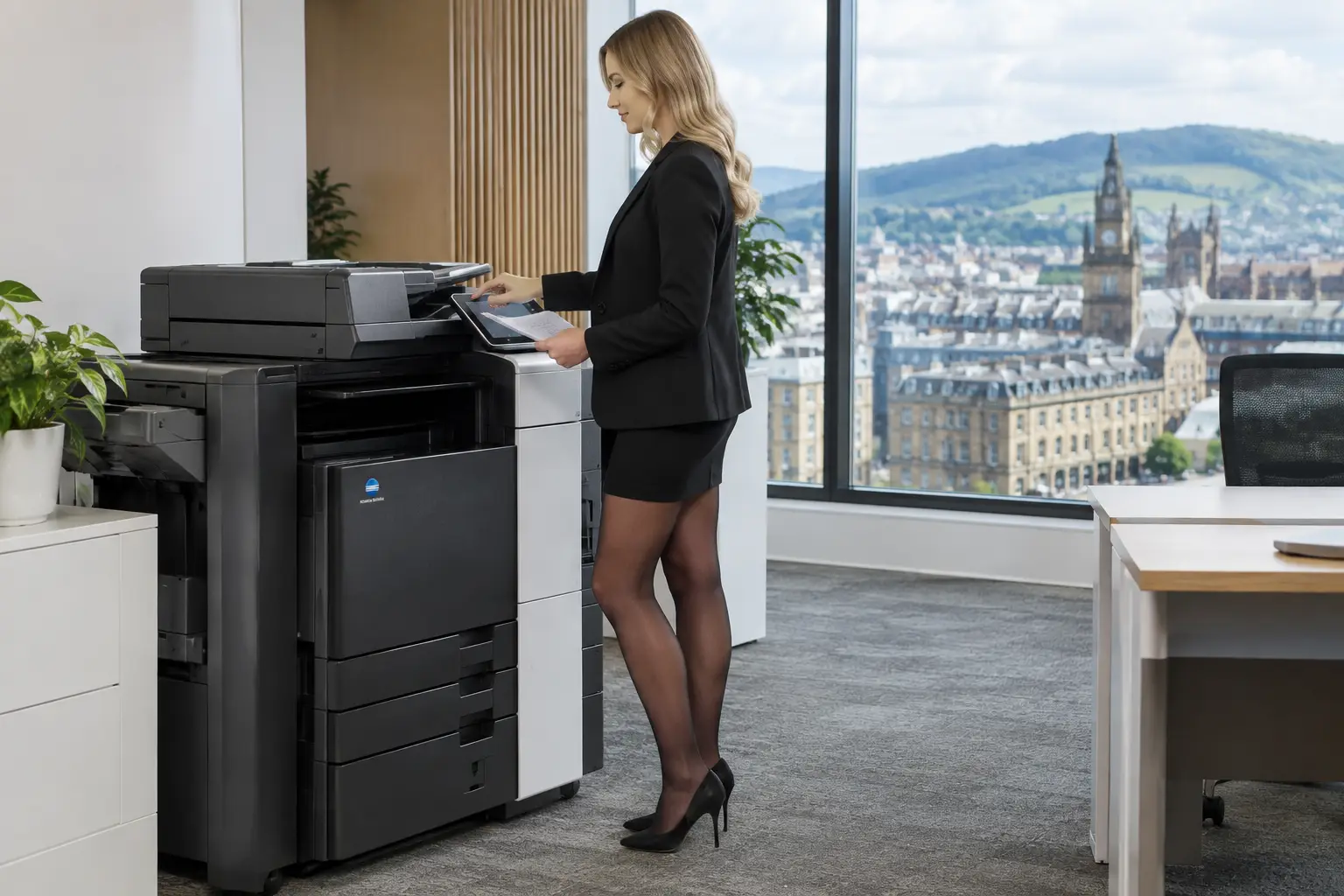
A printer fleet rarely becomes complicated through one bad decision. It grows one device, one department and one urgent replacement at a time. Before long, IT is supporting several makes and models, office teams are ordering consumables from different suppliers, and nobody has a reliable view of what is printed, where, or why. This print fleet consolidation guide sets out how to reduce that sprawl without removing the access people need to do their jobs.
Consolidation is not simply about having fewer printers. It is about creating a controlled print environment with the right devices, in the right locations, supported through one clear operating model. Done properly, it can reduce avoidable administration, improve document security and give finance, facilities and IT better oversight of an often overlooked operational cost.
Why fragmented fleets create avoidable work
A fragmented fleet introduces friction at every stage of the device lifecycle. Different machines use different toner ranges, maintenance arrangements and drivers. A device failure becomes harder to resolve when responsibility is unclear, while staff may keep ageing desktop printers because they are familiar rather than because they are suitable.
The bigger risk is often invisible. Unmanaged devices may sit outside normal security controls, retain documents on local storage or allow unrestricted printing of confidential information. If users can print to any machine without authentication, there is little accountability and sensitive pages can be left unattended in a shared area.
For organisations with multiple offices, departments or hybrid workers, these issues multiply. The answer is not necessarily one central machine for everyone. A warehouse, reception area, finance team and design department have different requirements. The objective is to standardise where it makes sense, while protecting genuinely essential exceptions.
Start a print fleet consolidation assessment with evidence
The strongest consolidation projects begin with a clear baseline, not an assumption that every printer should be removed. Map every print, copy and scan device, including desktop printers bought outside central procurement. Record its location, age, capabilities, monthly volume, service history and consumables requirement.
Usage data matters as much as the device register. A multifunction device that appears heavily used may be handling mostly low-value, single-sided print jobs that could be redirected. Equally, a seemingly underused device may be critical because it supports a customer-facing counter, secure HR processes or specialist media.
Look beyond print volumes. Assess when demand occurs, whether documents need colour, what finishing is required, how much scanning takes place and whether people regularly queue at particular times. Speak to department leads and a representative group of users. Their insight helps distinguish a genuine business need from a workaround created by an inconvenient existing setup.
The assessment should also identify process problems. For example, a team printing forms only to scan them back into a shared folder is not primarily a printer issue. It may need a document workflow that captures, indexes and routes information digitally from the start.
Design the right consolidated print environment
Once the evidence is available, design around user groups and workflows rather than around individual device preferences. Most office fleets work best with a smaller number of standardised multifunction devices, supported by selected desktop or specialist equipment where the operational case is clear.
Match device capability to the work
Place dependable multifunction devices in shared work areas where staff need print, copy and scan access. Select device capacity based on realistic peak demand, not just average monthly volume. A machine that is technically capable of handling the volume may still create delays if it is undersized for busy periods or has insufficient paper capacity.
Keep dedicated devices for roles that require them, such as production print, large-format output, labels or controlled reception printing. Consolidation should remove duplication, not compromise a team’s ability to serve customers or meet regulatory obligations.
Standardising on a smaller range of devices also simplifies training, maintenance and support. Users know how to operate the equipment, while support teams have fewer drivers, parts and device behaviours to manage.
Build security into the new model
Security should be designed in before devices are deployed. User authentication through cards, PINs or single sign-on can ensure that print jobs are released only when the right person is standing at the device. This reduces abandoned printouts and makes usage reporting more meaningful.
Secure print release is particularly useful for organisations handling personnel files, financial documents, customer records or commercially sensitive information. It also suits hybrid workers: a document can be submitted from a laptop and collected from an approved device when the user is in the office.
Review network segmentation, firmware management, administrator access and scan destinations as part of the project. Scanning to unmanaged personal email accounts may be convenient, but it rarely provides the control an organisation needs. Controlled scan workflows can route documents to approved folders, business systems or document repositories instead.
Treat scanning as a workflow, not an add-on
A consolidated fleet should make it easier to move information into a digital process. Configure commonly used scan options with clear names, limit unnecessary choices and apply consistent file naming or indexing rules where appropriate.
The opportunity is significant in document-heavy teams. Invoices, delivery notes, application forms and case files can be captured at the device and directed into a defined workflow rather than circulating as paper. That reduces repetitive handling, helps teams find information faster and creates clearer ownership of the next action.
Plan the transition carefully
Replacing or removing devices without a transition plan can undermine an otherwise sound project. Publish the intended changes early, explaining what is changing, where users will print and scan, and how they will get help. People are more likely to accept a shared-device model when they understand the operational reason for it.
Deploy in phases where possible. A pilot area provides useful feedback on device placement, access permissions and scan configurations before the model is repeated elsewhere. It also reveals practical details that a floorplan will not show, such as a device location that is noisy, difficult to access or poorly positioned for confidential printing.
Training should be brief and role-specific. Most users need to know how to authenticate, release a job, scan to an approved destination and report a fault. Local champions can help colleagues during the first weeks, but they should not become an informal replacement for proper support.
At the same time, remove old devices promptly and securely. Retired equipment may contain stored addresses, print queues or document data. Decommissioning should include data handling, network removal and responsible reuse or recycling. Refurbished equipment can be a practical lifecycle option when it is assessed, prepared and supported to the required standard.
Keep the fleet under control after consolidation
Consolidation is a management model, not a one-off installation. Usage monitoring should show print and scan activity, device status, consumable levels and recurring service needs. This gives IT and facilities teams the visibility to address issues before they disrupt users.
Set a regular review point for the fleet. Departments change, office layouts shift and print demand can rise or fall. Reporting may show that a device is consistently underused, that colour printing needs tighter rules, or that one team would benefit from a workflow improvement rather than another machine.
Clear ownership is essential. Define who approves new devices, who manages user access, how faults are logged and what happens when a department requests an exception. Without this governance, printer sprawl gradually returns.
For organisations across Yorkshire and Northern Lincolnshire, local service coverage can also make a material difference. Remote monitoring resolves many issues quickly, but responsive on-site support remains important when a critical device is unavailable. HAD-COPY can combine fleet assessment, managed support, cloud print management and workflow tools within one accountable service model.
Make consolidation a practical operational decision
A good consolidation project does not measure success by the number of devices removed. It measures whether employees can handle documents more easily, whether IT has fewer avoidable support tasks, and whether the organisation has stronger control over security, usage and lifecycle decisions.
Start with accurate evidence, retain exceptions that have a clear purpose, and review the environment as working patterns change. A well-managed fleet should feel unremarkable to users: documents are available when needed, sensitive information stays protected, and the technology supports the work rather than adding another task to the day.


