
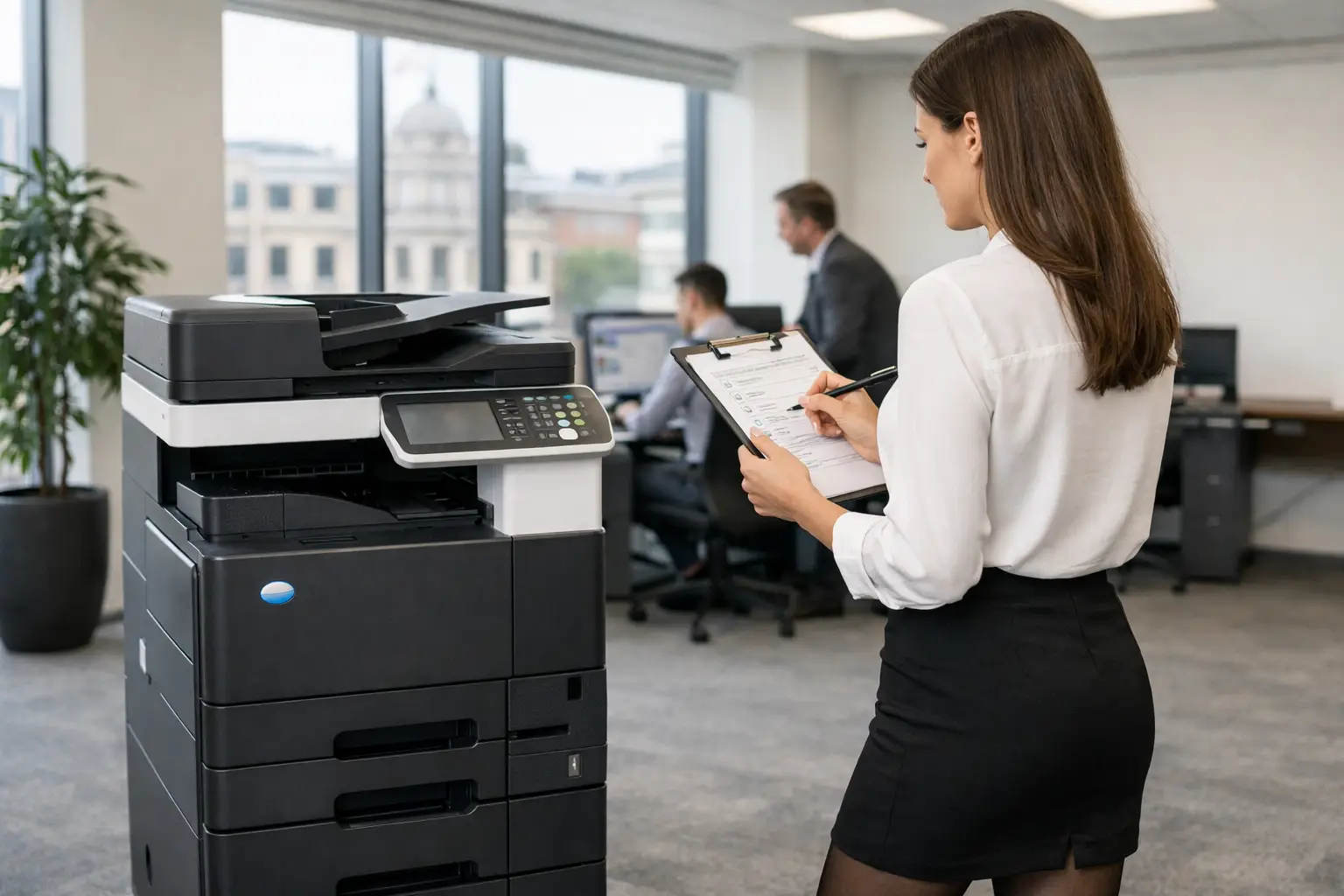
A printer estate can look manageable until someone asks a simple question: how much are we actually spending, and what are we getting for it? A practical printer fleet assessment checklist turns assumptions into evidence. It helps office, operations and IT teams see which devices earn their place, where costs are leaking, and where document processes are creating unnecessary work or risk.
The aim is not simply to reduce the number of printers. A smaller fleet can be cheaper, but only if people can still print, scan and copy without walking across a site or relying on a single overworked device. The right assessment balances cost, availability, security, user needs and the long-term supportability of every device.
Start with a complete view of the fleet
Most organisations have less visibility than they expect. Devices may have been added for a particular team, inherited through a lease, bought locally after a breakdown, or kept because nobody is sure who owns the decision to replace them. Before judging performance, establish exactly what exists.
Record every print device, including multifunctional devices, desktop printers, label printers and production equipment. For each one, capture its location, make and model, serial number, age, ownership or contract status, monthly print volume, toner arrangement and service history. Include devices that are rarely used. An idle printer still consumes space, creates a security consideration and may trigger consumables or maintenance costs.
This first stage should also identify whether the fleet is supported through one provider or several. Fragmented arrangements often make costs difficult to track and make fault resolution slower. A lower equipment price can lose its value quickly if teams are chasing different suppliers for toner, servicing and replacement parts.
Printer fleet assessment checklist: measure demand, not guesswork
Device counts alone do not tell you whether the estate is right-sized. Usage data is what reveals the gap between how a fleet was designed and how people actually work.
Review print and copy volumes over at least three to six months, allowing for seasonal peaks such as reporting cycles, enrolment periods or busy customer-service months. Separate colour from mono, single-sided from duplex, and A4 from larger formats where relevant. A device producing a modest monthly total may still be essential if it handles specialist media, confidential documents or time-critical work.
Your assessment should answer the following questions:
- Which devices are consistently overworked, underused or regularly unavailable?
- Are high-cost desktop printers being used for routine volume printing?
- Is colour printing purposeful, controlled and charged to the right cost centre where necessary?
- Are users printing documents that could be viewed, approved or shared digitally?
- Do teams queue for printing, scanning or copying at particular times of day?
- Are print volumes reducing because of digital working, or rising because of a process problem?
The figures need context. A device at 90 per cent of its recommended duty cycle may require attention even if its cost per page appears competitive. Equally, a low-volume printer near a reception desk may be justified if it prevents staff leaving visitors unattended. The assessment should expose these trade-offs rather than apply a blanket rule.
Calculate the full cost of printing
The purchase price of a printer is rarely the meaningful number. The true cost includes toner, drums, fusers, paper, energy, repairs, call-outs, lease commitments, IT administration and the time employees spend dealing with faults. It can also include the hidden cost of poor print behaviour, such as abandoned jobs, unnecessary colour output and documents printed only to be scanned back into a system.
Look at both cost per page and total cost by department, site and device type. Cost per page is useful for comparison, but it should not be viewed in isolation. A very cheap mono device may not be suitable for a team that needs reliable scanning, secure release or finishing. Similarly, a multifunction device with a slightly higher page cost may remove the need for several smaller machines and reduce support effort.
Check how consumables are ordered and stored. Overstocked toner ties up cash and can become obsolete when devices are replaced. Emergency purchases tend to cost more and interrupt staff. Usage monitoring and automated toner replenishment can reduce both problems, provided the system is configured around real consumption rather than arbitrary stock levels.
Review security at the device and document level
Printers are network-connected endpoints, often with hard drives, address books, scan-to-email settings and access to confidential documents. They deserve the same attention as other workplace technology.
Establish who can use each device and how they authenticate. PIN release, card access or identity-based printing can prevent sensitive documents being left in output trays and reduce unclaimed printing. For organisations handling employee records, financial information, healthcare data or client files, this is a practical control rather than a technical extra.
Review device firmware, administrator passwords, encryption settings and network segmentation. Confirm that unused services are disabled and that old address book entries or scan destinations have been removed. If devices are returned at the end of a contract or refurbished, ensure data held on internal storage is securely erased under a documented process.
Scanning deserves equal scrutiny. Ask where scanned files go, who can access them and whether staff use personal email accounts or uncontrolled shared folders to move documents. A secure workflow may direct files to authorised folders, document management software or cloud platforms with appropriate permissions. That can reduce the temptation to print simply because digital handling is awkward.
Assess reliability, service and user experience
A fleet that is inexpensive on paper but unreliable in practice creates frustration across the business. Look beyond the number of breakdowns. Measure response times, first-time fix rates, repeat faults, time without a working device and how easily users can report an issue.
Speak to the people who use the equipment every day, particularly reception, finance, HR, operations and teams with high scanning requirements. They will often identify faults that do not appear in service records, such as confusing print drivers, slow scan workflows, poor finishing quality or devices placed in impractical locations.
Service coverage should match the operational need. A small office may accept next-business-day attendance, while a busy department that processes customer orders or legal documents may need remote diagnostics, proactive monitoring and fast local support. This is where one-size-fits-all contracts often fall short.
Identify process improvements alongside hardware changes
A fleet assessment is strongest when it considers the work surrounding the page. If a team prints invoices for approval, carries them between desks and scans them into a finance system, replacing the printer alone will not solve the real cost or delay.
Map the document journeys that consume the most time. Common opportunities include scan-to-workflow routing, searchable digital archives, electronic forms, automated invoice capture and cloud print for hybrid workers. These changes can reduce print volume, but their greater value is usually better control, faster retrieval and fewer manual hand-offs.
Do not assume every process should become fully digital. Some documents need wet signatures, physical packs or paper-based records for practical reasons. The goal is to remove avoidable printing and create a controlled route for the pages that remain necessary.
Turn findings into a realistic fleet plan
Once the evidence is assembled, group recommendations into immediate fixes, planned changes and longer-term workflow improvements. Immediate actions might include removing inactive devices, applying secure print release, updating firmware or correcting wasteful default settings. Planned changes may involve replacing ageing devices, consolidating suppliers or moving to a managed print agreement with clear service levels.
For each recommendation, assign an owner, expected benefit, implementation cost and review date. Finance teams need predictable expenditure; IT needs security and manageable support; users need equipment that works where and when they need it. A useful fleet plan makes those requirements visible rather than allowing one to override the others.
Replacement decisions should consider new and refurbished equipment where appropriate. Refurbished devices can offer strong value for suitable lower-volume or secondary locations, provided they are professionally prepared, supported and matched to the required workload. For critical, high-volume environments, newer equipment and stronger monitoring may be the better commercial choice.
A printer fleet assessment should not be a one-off exercise triggered only by a contract expiry. Review usage, costs, security and service performance regularly, especially after office moves, acquisitions, policy changes or major shifts in hybrid working. With the right data and accountable support, printing becomes a controlled workplace service rather than a recurring source of surprise costs. HAD-COPY can help organisations across Yorkshire and Northern Lincolnshire turn that control into a fleet plan that is practical to run.


