
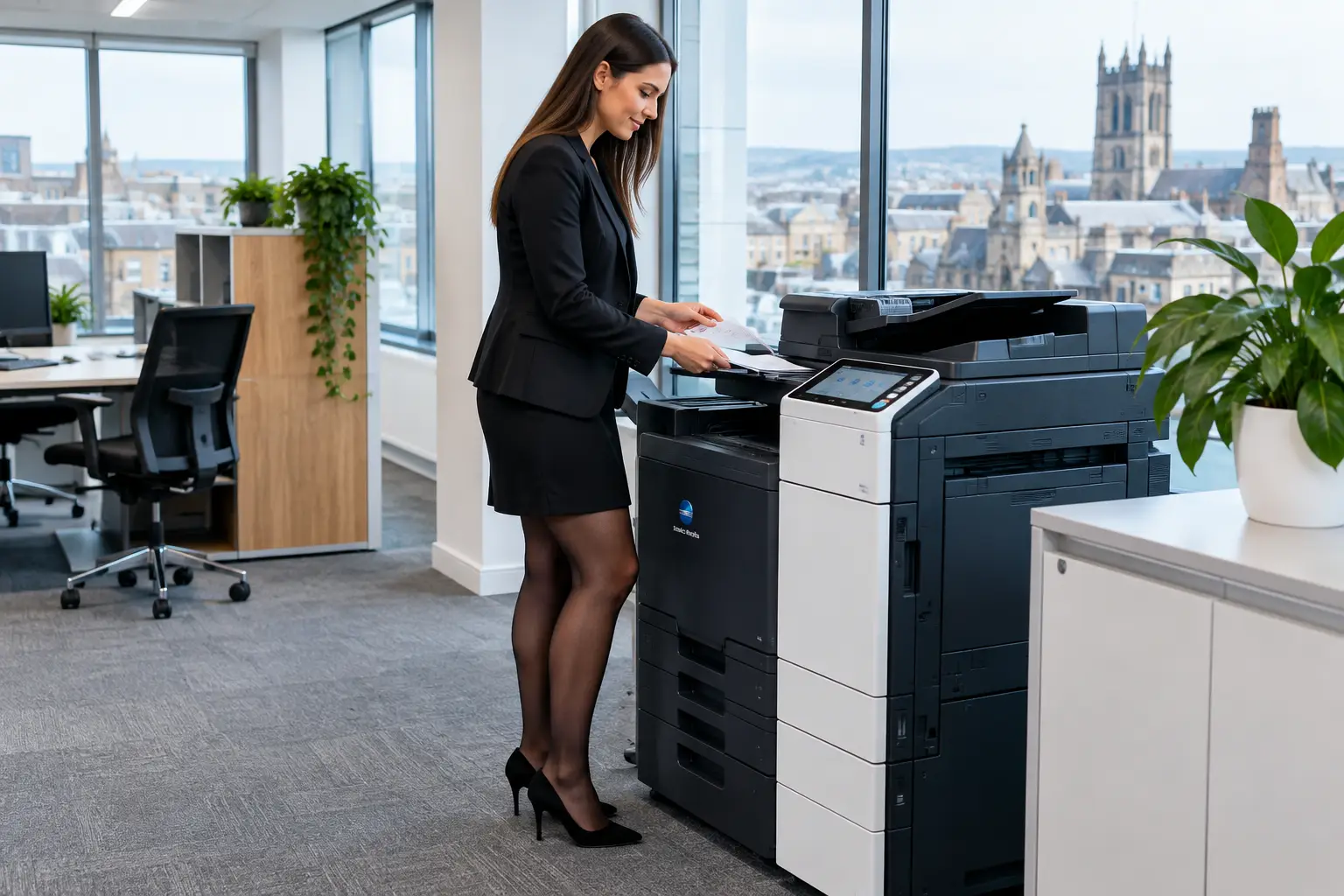
A printer can be an overlooked entry point into business data. It holds documents in memory, connects to your network, receives files from staff and visitors, and may scan sensitive information directly into email or cloud storage. This Selby print security guide explains how organisations can bring those risks under control without making everyday printing harder for users.
For office managers and IT teams, the goal is not to add security for its own sake. It is to make sure confidential documents reach the right person, devices are managed consistently, and the print environment supports the wider security policy rather than creating exceptions to it.
Why print security deserves attention
Multifunction devices are often treated as ordinary office equipment, yet they perform many of the functions of a network-connected computer. They process payroll reports, HR records, customer correspondence, invoices, contracts and scanned identity documents. If a device is poorly configured, outdated or shared without controls, that information can be exposed through an avoidable gap.
The risks are not limited to sophisticated cyber attacks. A document left in an output tray can be read by anyone passing through. An ex-employee may retain access to print services. A scan-to-email address book can be misused. A discarded device may still contain data on its hard drive. These are practical operational issues, and they need practical controls.
The right approach depends on the organisation. A small office with one multifunction printer will not require the same level of segmentation as a multi-site organisation with production devices, mobile workers and sensitive client records. However, every business should know who can use its devices, where documents go, and who is responsible for keeping firmware, access and settings current.
Selby print security guide: start with the fleet
Before changing settings, establish what is actually in use. Many organisations have added printers gradually, responding to departmental requests rather than following a planned device strategy. The result is often a mixture of devices, suppliers, support arrangements and security standards.
A fleet assessment should identify each printer and multifunction device, its location, network connection, age, firmware status and typical users. It should also record what services are enabled, such as email scanning, cloud printing, USB printing, faxing or remote administration. This creates a baseline for decisions about replacement, reconfiguration or tighter management.
It is also worth reviewing devices that appear to be lightly used. A printer that sits in a meeting room or satellite office may receive less attention, but it can still be connected to the corporate network and still present a route to confidential documents. Removing unnecessary equipment can simplify support and reduce the number of endpoints that need protection.
Control access before documents are released
The most visible print security improvement is secure print release. Rather than sending a document straight to the nearest device, users submit it to a managed print queue and release it only when they authenticate at the machine. Authentication can be completed using a PIN, proximity card, mobile device or existing workplace credentials.
This prevents sensitive output being left unattended and reduces unnecessary printing when a job is sent but never collected. It also gives organisations clearer visibility of activity by user, department or device, supporting both security and operational management.
Secure release is particularly useful in shared offices, education settings, reception areas and organisations handling financial, legal, health or personnel information. In a small, closely controlled office, a PIN-based approach may be sufficient. In a larger environment, card authentication integrated with existing access systems may be more practical for staff and easier for administrators to manage.
Access controls should extend beyond print release. Administrative settings must be protected with strong, unique credentials, and default manufacturer passwords should never remain in place. User permissions should reflect roles: not everyone needs the ability to send scans externally, print in colour, use USB media or amend address books.
Protect the device and the network
A secure device needs secure connections. Printers should be placed on the right network segment, with access restricted to the users and systems that genuinely need it. This helps contain exposure if a device is compromised and makes it easier to apply network rules consistently.
Encrypted communications matter too. Print data travelling across the network, administrative access to the device and scanned documents sent by email or to file storage should all use suitable encryption. Older protocols and insecure services should be disabled where they are not required. That often includes unused web interfaces, legacy file-sharing options and direct external access.
Firmware needs the same attention as other networked technology. Updates can address vulnerabilities, improve reliability and maintain compatibility with security standards. The challenge is that a mixed fleet makes this hard to manage manually. Centralised monitoring and managed support reduce the chance that one forgotten device remains on an outdated version for years.
Physical security still has a role. Devices in public-facing or shared areas should be positioned so screens and output trays are not easily viewed by visitors. Paper trays, USB ports and internal storage should be considered as part of the security review, especially where confidential information is routinely processed.
Make scanning a controlled workflow
Scanning can be more sensitive than printing because it moves paper records into digital systems. A quick scan to a personal email address might be convenient, but it can bypass retention rules, access controls and document management procedures.
A better method is to configure approved destinations and workflows. Staff might scan supplier invoices into an accounts process, scan HR forms into a restricted folder, or route signed documents to a document management platform. This improves consistency while reducing reliance on manually named files, personal inboxes and unmonitored shared folders.
The design should not be overly restrictive. If a process is difficult, people will look for workarounds, such as taking photographs on personal phones or forwarding files outside approved systems. The best workflows make the secure action the easy action: clear on-screen options, appropriate permissions and short user guidance at the point of use.
Manage data held on multifunction devices
Many multifunction devices store job data temporarily, and some retain information on internal drives or solid-state storage. The level of risk depends on the device configuration and how it is used, but organisations should know what data is retained and for how long.
Where supported, enable automatic data overwrite and encryption for internal storage. When a device is moved, returned, refurbished or retired, ensure its storage is securely erased as part of a documented process. Simply unplugging a machine or removing it from the network does not guarantee that data has been removed.
This is one reason lifecycle management matters. Security should be considered when a device is selected, installed, maintained and eventually replaced, not treated as a final check once equipment is leaving the building. Refurbished equipment can be a sound operational choice when it is properly prepared, securely configured and supported within the same managed environment.
Build security into daily management
Print security works best when responsibilities are clear. IT may own network controls and identity management, while facilities or office teams deal with physical placement, supplies and user queries. Finance may need reporting, and data protection leads may need assurance around document handling. Without coordination, small issues can remain unresolved because everyone assumes another team is managing them.
A practical management routine should cover four areas:
- reviewing user access when staff join, change role or leave;
- monitoring devices for faults, firmware status and unusual activity;
- checking that scan destinations and address books remain authorised; and
- training users on secure release, confidential output and approved scanning routes.
Training does not need to be lengthy. Staff are more likely to follow a policy when it explains what they need to do differently and why. A short introduction during device deployment, supported by clear prompts on the machine, is often more effective than a policy document that nobody revisits.
For organisations across Selby, York, Huddersfield and the wider region, local support can also make a meaningful difference. When device security, workflow configuration and ongoing maintenance sit with separate providers, problems take longer to diagnose. HAD-COPY helps organisations manage these elements as one print environment, with technology and support aligned to the way people actually work.
A safer print environment should also be easier to run
The strongest print security controls are usually the ones that reduce administration as well as risk. Centralised user management is easier than updating individual machines. Secure print release reduces abandoned output. Defined scan workflows limit errors and make documents easier to find. Monitoring gives teams the information to deal with problems before a device becomes a disruption.
Start with the devices and documents that present the greatest exposure: shared multifunction equipment, confidential departments, unmonitored scan-to-email settings and devices nearing replacement. A measured review can turn printing from a collection of unmanaged endpoints into a controlled part of your workplace technology.
The useful test is simple: if a confidential document is printed, scanned or stored today, can your organisation show who handled it, where it went and how access was protected? If the answer is uncertain, that is the right place to begin.


