
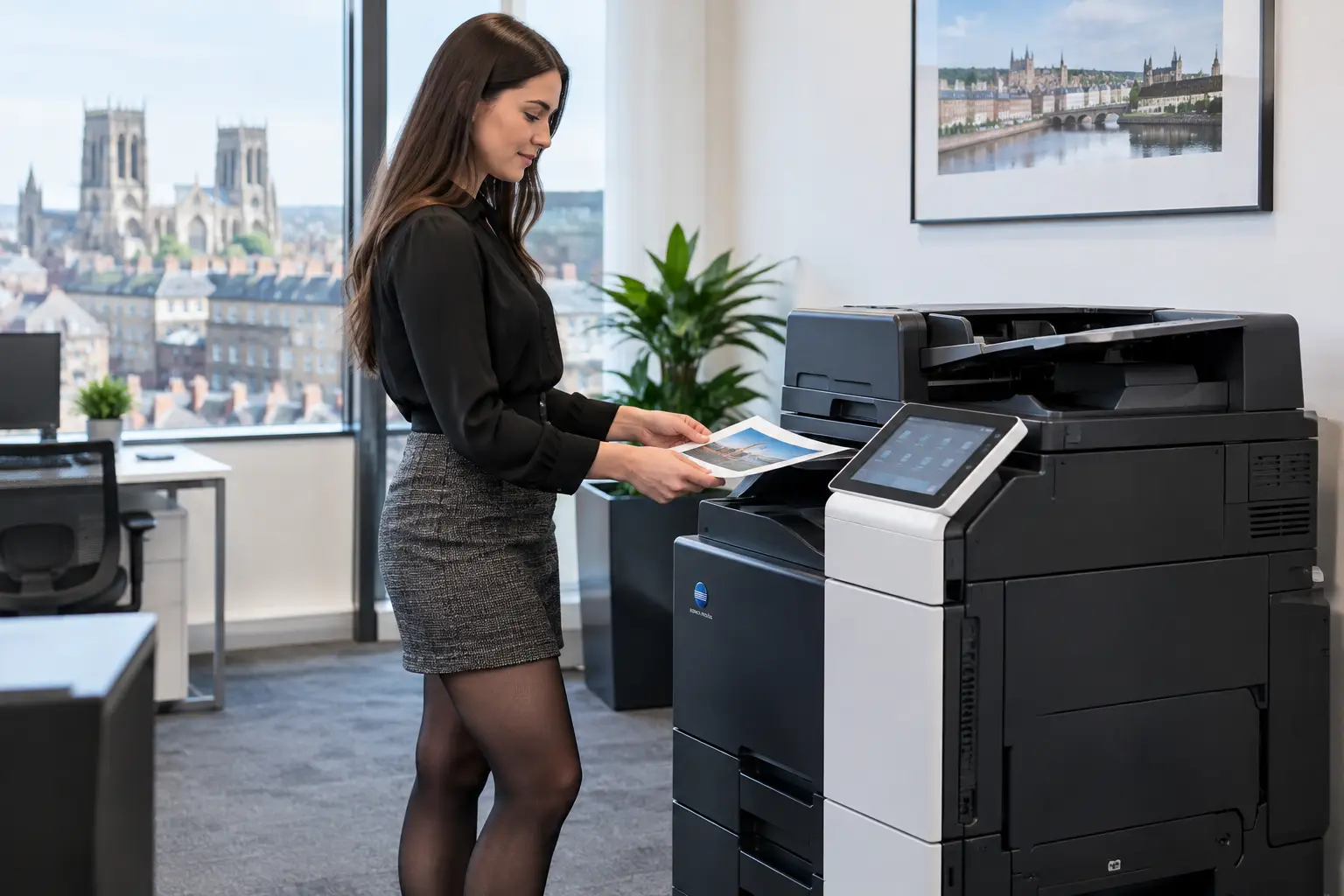
A confidential contract sits uncollected in a printer tray. A payroll report is picked up by the wrong person. A visitor uses an unlocked multifunction device. These are ordinary workplace risks, and they explain why organisations ask: what is pull printing?
Pull printing is a secure print method that holds a document in a central print queue until the person who sent it is standing at a chosen device and authenticates themselves. Rather than printing immediately to one named printer, the job follows the user. They can release it at a suitable printer, copier or multifunction device using a PIN, access card, mobile app or network credentials.
For organisations managing busy offices, shared devices and hybrid working patterns, this changes printing from an uncontrolled background activity into a visible, secure and flexible service.
What is pull printing in practice?
A conventional print setup normally asks the user to select a device before they press Print. The job is sent directly to that machine, whether or not the user reaches it straight away. If the device is busy, out of paper or in another part of the building, the document may remain unattended, be printed twice elsewhere, or be forgotten entirely.
With pull printing, the document is submitted to a secure holding queue. It is not produced until the user arrives at an enabled device and confirms their identity. The user can then view their pending jobs, select one or more documents, and release them on demand.
The word “pull” describes this action: the user pulls their print job from the central queue when and where they need it. It is also commonly called secure print release, follow-me printing or find-me printing. The exact terminology varies by software provider, but the operating principle is the same.
This does not mean every print job must be managed manually. Administrators can set rules for everyday printing, colour use, large files, guest access and specialist output. A central system can also remove jobs that have not been released after a defined period, preventing abandoned documents from accumulating in the queue.
How a pull printing workflow works
The user experience should be straightforward. A member of staff selects the organisation’s pull-print queue from their laptop, desktop or supported mobile device. The print management platform receives the file and holds it securely.
At any compatible device, the employee identifies themselves. This might involve tapping an existing staff ID card, entering a PIN, signing in with a username and password, or using a mobile authentication method. Their personal job list then appears on the device screen. They choose the required document, check options such as duplex printing or colour, and release it.
Behind that simple process is a set of controls that matter to IT and operations teams. The platform identifies the user, applies print rules, directs the job to the selected device, records the activity and can report on print volumes by person, department, device or cost centre. Depending on the solution, jobs may be processed through an on-premise server, a cloud print platform or a combination of both.
Authentication is the control point
Authentication is what distinguishes pull printing from a standard shared printer queue. A device can be configured to require sign-in before users access held jobs, scan-to-email features or other functions. This reduces the chance that an unauthorised person can collect documents or use a device without accountability.
For many organisations, card-based release is particularly practical because staff can use the same building access card at a device. However, the right approach depends on existing identity systems, security policy and how regularly temporary workers, visitors or contractors need to print.
The job can follow the user
A central queue allows employees to release documents at another suitable device if their usual machine is unavailable. That may be a nearby multifunction device, a different floor, or another site within the same managed environment.
This resilience is useful, but it needs sensible planning. Not every device has the same paper capacity, finishing options, paper sizes or colour capability. A pull-print platform should guide users to appropriate devices while ensuring specialist jobs, such as booklets or high-volume packs, are released on equipment that can produce them correctly.
Why businesses use pull printing
The immediate benefit is document security. Sensitive information is less likely to be left on an output tray because nothing prints until its owner is present. This is relevant to HR records, finance documents, customer correspondence, legal material and any paperwork containing personal or commercially sensitive data.
There is also a clear waste reduction benefit. People often send documents to print, change their mind, collect another version or simply forget the job. In a direct-print environment, those pages are still produced. With pull printing, unreleased jobs can expire automatically. That reduces unnecessary paper, toner use and the disposal of potentially confidential output.
Operationally, pull printing gives users more freedom without giving up control. Staff are not tied to one printer, which helps in larger offices and can make hybrid workspaces easier to support. If a device develops a fault or needs servicing, users can continue printing at another authorised machine rather than relying on a separate workaround.
For administrators, central reporting can reveal patterns that are otherwise difficult to see. It may show devices that are carrying too much demand, departments with unusually high colour printing, recurring large-format requirements, or output that is better handled digitally. This evidence supports more informed fleet decisions and document workflow improvements.
Pull printing is not a complete print strategy by itself
Pull printing is valuable, but it is not a substitute for properly designed print infrastructure. It works best when the organisation has assessed device locations, user volumes, network capacity, security requirements and the types of documents people produce.
For example, placing a single heavily used device behind access control may improve security but create queues at peak times. Allowing release at every device gives users flexibility, but may result in high-volume or colour jobs being produced on equipment that is not intended for them. Rules, device permissions and user guidance need to reflect the way teams actually work.
The same applies to scanning and document workflows. A multifunction device can authenticate a user before they scan a document to an approved email address, home folder or workflow destination. When print, scan and access controls are planned together, organisations gain a more consistent approach to document handling rather than a collection of isolated settings.
Choosing the right pull-print setup
The best setup depends on the size and complexity of the organisation. A small office may only need a simple secure-release queue across a few multifunction devices. A multi-site organisation may need cloud-enabled printing, identity integration, delegated administration and reporting by department or location.
Before implementation, it is worth answering a few practical questions in detail. Which documents are most sensitive? Do staff already carry compatible access cards? Are employees regularly moving between floors or sites? Which devices support the required print volumes and finishing? How will remote workers, guests and temporary staff print when necessary?
It is equally important to consider adoption. Staff should understand that their documents are held safely, where they can release them, and what to do if a job does not appear. A technically capable platform can still create frustration if queues are unclear, device screens are poorly configured or local support is absent.
A managed print provider can assess current print behaviour, configure device authentication, set sensible release rules and monitor the environment after deployment. This makes pull printing part of an ongoing service model, not simply another application installed on the network. For organisations across Yorkshire and Northern Lincolnshire, local support can be particularly useful when devices, users and workflows need to work reliably from day one.
Security and governance considerations
Pull printing supports stronger document security, but it should sit within wider controls. The print platform should use secure communications, user accounts should be managed through an appropriate identity process, and devices should receive regular firmware and security updates. Administrators also need clear responsibility for permissions, audit data and job-retention settings.
Retention matters because held print jobs are documents in transit. A sensible expiry period limits the amount of data waiting in queues while giving users enough time to collect legitimate work. The appropriate period will vary: a customer-facing team may need same-day release, while a department producing planned reports may require a little longer.
Reporting should be used constructively. It can help charge output to departments, identify avoidable waste and support governance, but it should be aligned with internal policies on employee monitoring and data handling. The aim is better operational control, not unnecessary surveillance.
When pull printing may not be necessary
Not every printer needs secure release. A dedicated printer used by one person in a controlled room may not benefit from a central pull queue. Similarly, some production print workflows require direct output to maintain speed, preserve finishing settings or support tightly managed batch production.
Even then, the organisation may still benefit from authentication, usage monitoring or secure print rules elsewhere in the fleet. The question is not whether pull printing should be applied everywhere by default. It is where it will reduce risk, waste and support effort without making everyday work harder.
The most effective pull-print environment is one employees barely have to think about: they print once, collect securely from the right device, and carry on with their work. That quiet reliability is where stronger control starts delivering a real operational benefit.


