
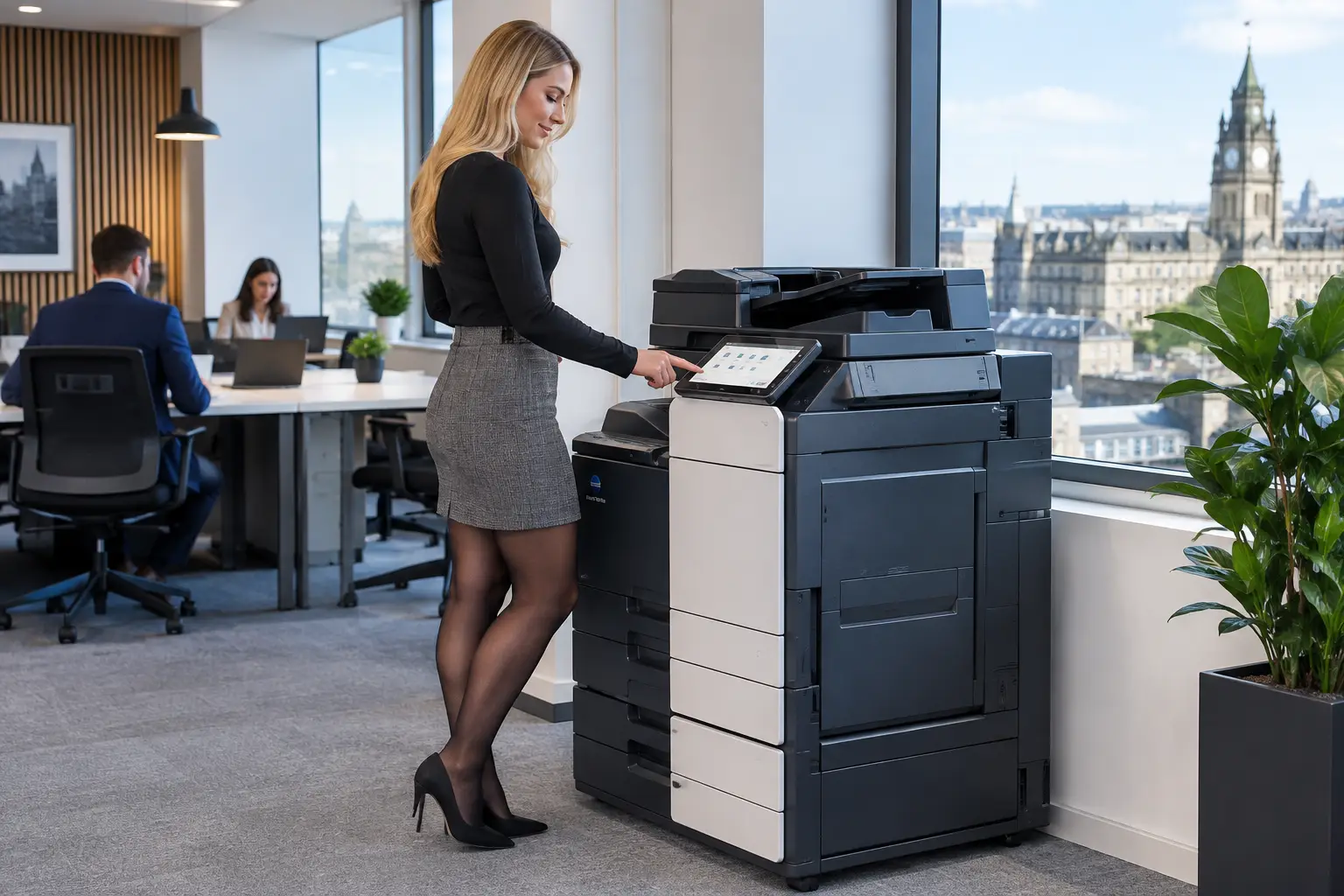
A printer that works only when somebody is standing beside it is not supporting the business. Workplace printing affects how quickly teams issue invoices, process orders, share signed documents, prepare client packs and keep essential records moving. When devices, users and document processes are managed as one environment, printing becomes easier to control rather than another source of avoidable cost and disruption.
For many organisations, the problem is not simply an ageing photocopier or an empty toner cartridge. It is a fleet that has grown without a plan: different device models, unclear service arrangements, little visibility of usage and paper-based processes that create delays long after a page leaves the machine. A practical print strategy addresses the whole picture.
Why workplace printing needs active management
Printing is often treated as a minor facilities purchase until something fails. Then the impact is immediate. Staff cannot scan supplier paperwork, confidential documents are left on output trays, a busy device creates a queue, or IT is asked to solve an issue without access to the right information.
An unmanaged print fleet also makes it difficult to answer basic operational questions. Which departments print the most? Are high-volume devices positioned where the work happens? Are colour documents being printed where black and white would do? Which machines are approaching the end of their useful life? Without reliable reporting, decisions are based on assumptions rather than evidence.
The right approach does not mean reducing every printed page at all costs. Some sectors and teams have legitimate high-volume requirements, from education and professional services to logistics, healthcare administration and customer-facing operations. The objective is to make each document process proportionate, secure and dependable.
Start with the work, not the device
A multifunction device can copy, print, scan and distribute documents, but its value depends on the process around it. Buying hardware before assessing user needs can leave an organisation with too much capacity in one area and too little in another.
A fleet assessment should look at document volumes, peak demand, device locations, paper formats, finishing requirements, scanning destinations and the applications people use every day. It should also identify where staff lose time. For example, an accounts team may spend hours scanning invoices and manually naming files, while a warehouse office needs fast, reliable printing of delivery paperwork near the point of use. These are different requirements and may call for different equipment and workflow settings.
The same principle applies to production print. Organisations producing regular marketing materials, training packs, labels or customer communications may need stronger finishing options, consistent colour output or higher duty cycles than a standard office printer can provide. Matching equipment to demand improves reliability and avoids asking a small device to do a production job.
Right-size the fleet
Right-sizing is not simply about having fewer devices. In some workplaces, reducing the number of machines creates bottlenecks and encourages staff to use unsuitable devices. In others, several underused desktop printers create unnecessary consumable, support and security overhead.
A balanced fleet commonly combines centrally located multifunction devices with specialist printers where there is a clear operational case. The best mix depends on building layout, accessibility needs, print volumes, document sensitivity and how teams actually work. Regular usage data allows that mix to be reviewed as the organisation changes.
Make costs visible before trying to reduce them
Print expenditure is rarely limited to paper and toner. There is also device downtime, emergency consumable ordering, staff time spent resolving problems, energy use, service administration and the cost of documents printed unnecessarily or in error. Fragmented supplier arrangements make this harder to see.
Managed print services bring the fleet into a single operating model. Devices can be monitored remotely, consumables can be replenished based on use, service requirements can be identified early, and usage can be reported by device, department or user group where appropriate. This creates a clearer basis for operational decisions.
Simple print rules can have a meaningful effect when they reflect the way people work. Defaulting routine documents to duplex black-and-white output, for instance, may reduce waste without preventing teams from using colour or single-sided printing when it serves a genuine purpose. Rules should support productivity, not create workarounds that frustrate users.
Secure release printing adds another useful control. Users send a job to the print queue but release it only when they authenticate at a device. This prevents abandoned documents from accumulating in trays, reduces accidental printing and helps protect confidential information. It is particularly valuable in shared offices, schools, clinics and organisations handling employee, customer or financial records.
Treat printers as part of your security estate
Networked printers and multifunction devices are connected endpoints. They process documents, store information temporarily, connect to cloud services and may be accessible to many users. Leaving them outside normal security controls is a risk.
Good print security begins with visibility: knowing which devices are connected, who can use them and what functions are enabled. From there, organisations can apply role-based access, PIN or card authentication, encrypted communications, secure scan destinations and device settings that align with their wider IT policies.
Scanning deserves particular attention. Sending a document to an incorrect email address or shared folder can be just as damaging as leaving a printed page unattended. Predefined scan workflows, validated addresses and controlled destinations reduce the chance of error while making scanning faster for users.
Security also has a lifecycle element. When a device is replaced, stored data must be managed correctly and configuration records should be maintained. An experienced provider can support these steps alongside deployment, maintenance and ongoing monitoring, rather than treating security as a one-off installation task.
Use scanning to remove manual document handling
The most useful workplace printing improvements often happen before anything is printed. A multifunction device can act as a starting point for controlled digital workflows, turning paper forms, invoices and correspondence into usable business information.
Consider an accounts payable process. A paper invoice can be scanned, classified, named consistently and routed to the correct approval queue. Instead of sitting in an in-tray or being passed between desks, the document becomes available to authorised colleagues with a clearer audit trail. The same approach can support HR records, customer onboarding, delivery notes, case files and contract documentation.
Automation needs to be designed around the process, not imposed for its own sake. A small business may benefit most from dependable scan-to-email and scan-to-folder functions with sensible permissions. A larger or document-intensive organisation may require document capture, indexing, workflow routing and integration with line-of-business systems. Both can reduce administration, but the appropriate level of technology depends on volume, compliance needs and internal capability.
Cloud print platforms can also support hybrid teams and multi-site operations. They make it easier to manage print access and queues across locations without relying on a complex local print-server setup. However, cloud adoption should be assessed alongside connectivity, identity management, data protection requirements and user support. It is a useful option, not an automatic answer to every print challenge.
Plan for support, adoption and the full device lifecycle
Even well-selected equipment will underperform if users do not understand its features or if faults are allowed to interrupt work for too long. A complete service model includes installation, configuration, proactive monitoring, maintenance, user guidance and a clear route to technical support.
Local support is particularly valuable when an essential device is down or a new workflow needs adjusting. For organisations across Yorkshire and Northern Lincolnshire, responsive assistance from a provider that understands the local operating environment can make the difference between a minor interruption and a lost working day.
Lifecycle planning should include sustainable options as well. Refurbished devices can be a sensible choice where the specification, condition and support arrangement are right. Quality-assured refurbished equipment extends the useful life of capable technology and can form part of a more considered circular approach to workplace infrastructure. It should be selected against operational requirements, not simply because it is available.
HAD-COPY approaches print as a managed workplace service: reviewing the fleet, supplying appropriate devices, securing access, supporting cloud and document workflows, and remaining accountable after installation. That continuity matters because print needs do not stand still. Teams move, workloads change and document processes evolve.
The most productive next step is often to walk the office with fresh eyes. Notice where people queue, where documents wait for approval, which devices create repeated support calls and where confidential pages are left behind. Those everyday details reveal where workplace printing can become more controlled, more secure and far easier for people to use.


